


Remote Support Computer Services
Remote support allows us to securely access your computer over the internet to diagnose and fix problems without you needing to leave your home or office. Using trusted remote access software, we connect to your device with your permission, so you can watch everything being done in real time. Once the issue is resolved, the session ends and access is closed.
How Remote Support Works
After booking, use the download button on this page to open LFX Remote Support on your Windows computer. Choose Connect, tell your technician your computer name and approve the screen-access prompt. We can then investigate suitable software, email and Windows problems while you watch. Close the app when finished to disconnect.
Benefits of Remote Support
Remote support saves travel time and can help home users and businesses with Windows updates, printer setup, Microsoft 365 configuration, driver problems and software performance issues. Same-day help may be available, depending on appointments and whether the issue is suitable for remote repair.
When Remote Support Is Suitable
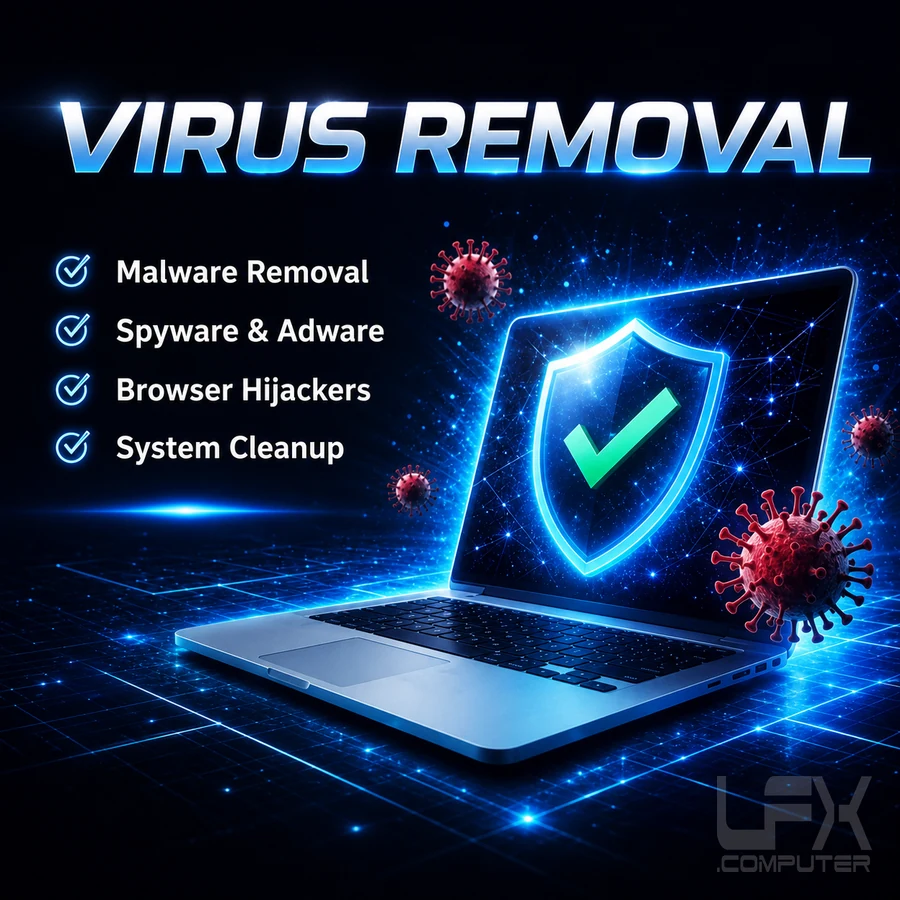
Remote support works best for software-related issues such as virus removal, email problems, system errors, slow performance, data backup configuration, and software installation.
When Remote Support Is Not Suitable
Remote support cannot fix physical hardware faults. Problems such as printer mechanical or electronic failures, failing hard drives, overheating components, non-booting operating systems, charging port damage, or power supply failures require in-person diagnostics and repair.
If you are unsure whether your issue can be fixed remotely, simply get in touch and we will advise you honestly. Our goal is fast, effective solutions with minimal disruption.