Gaming PC repair in Brighton for no display, crashes, overheating, GPU and power faults, failed upgrades, custom builds and unstable Windows gaming performance.
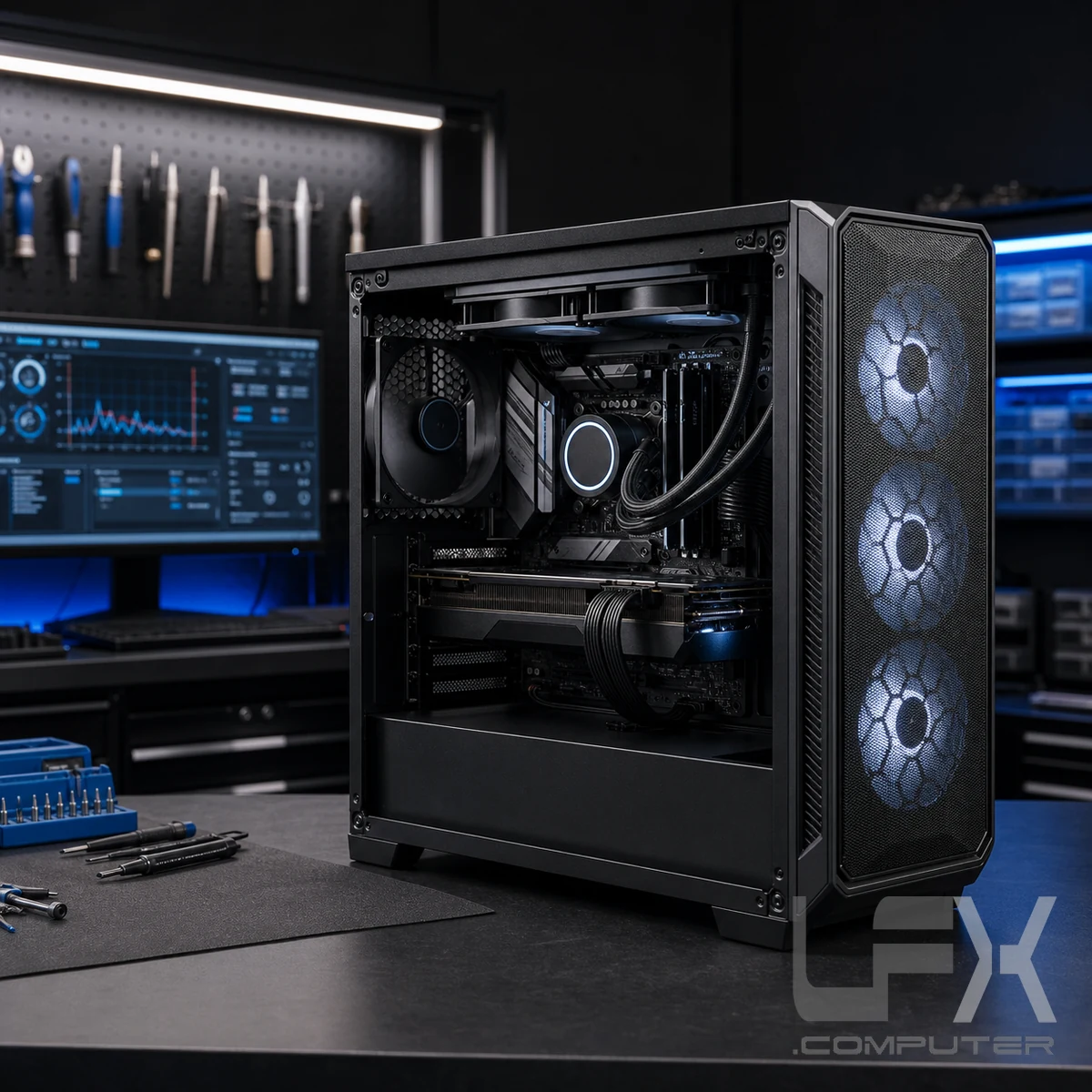
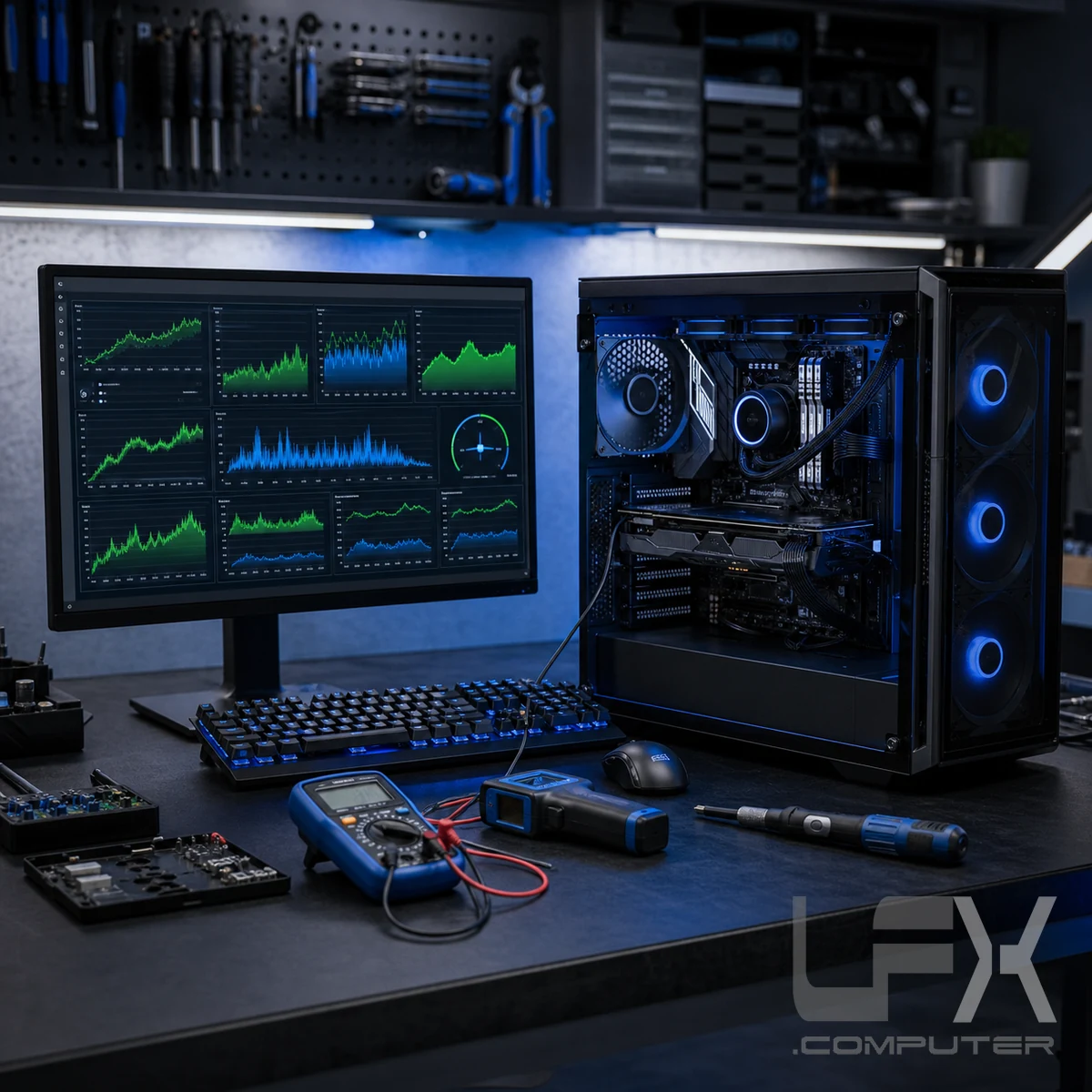
Gaming systems combine high-power components, custom cooling, specialist cases and performance software. LFX checks how those parts work together so repairs and upgrades are based on evidence rather than repeated component swapping.
Comprehensive fault finding
Test the complete gaming PC, not one guessed component
Custom gaming computers can develop two connected faults, particularly after a power-supply failure, overheating event or unsuccessful upgrade. Replacing the most obvious component may leave the original symptom unresolved.
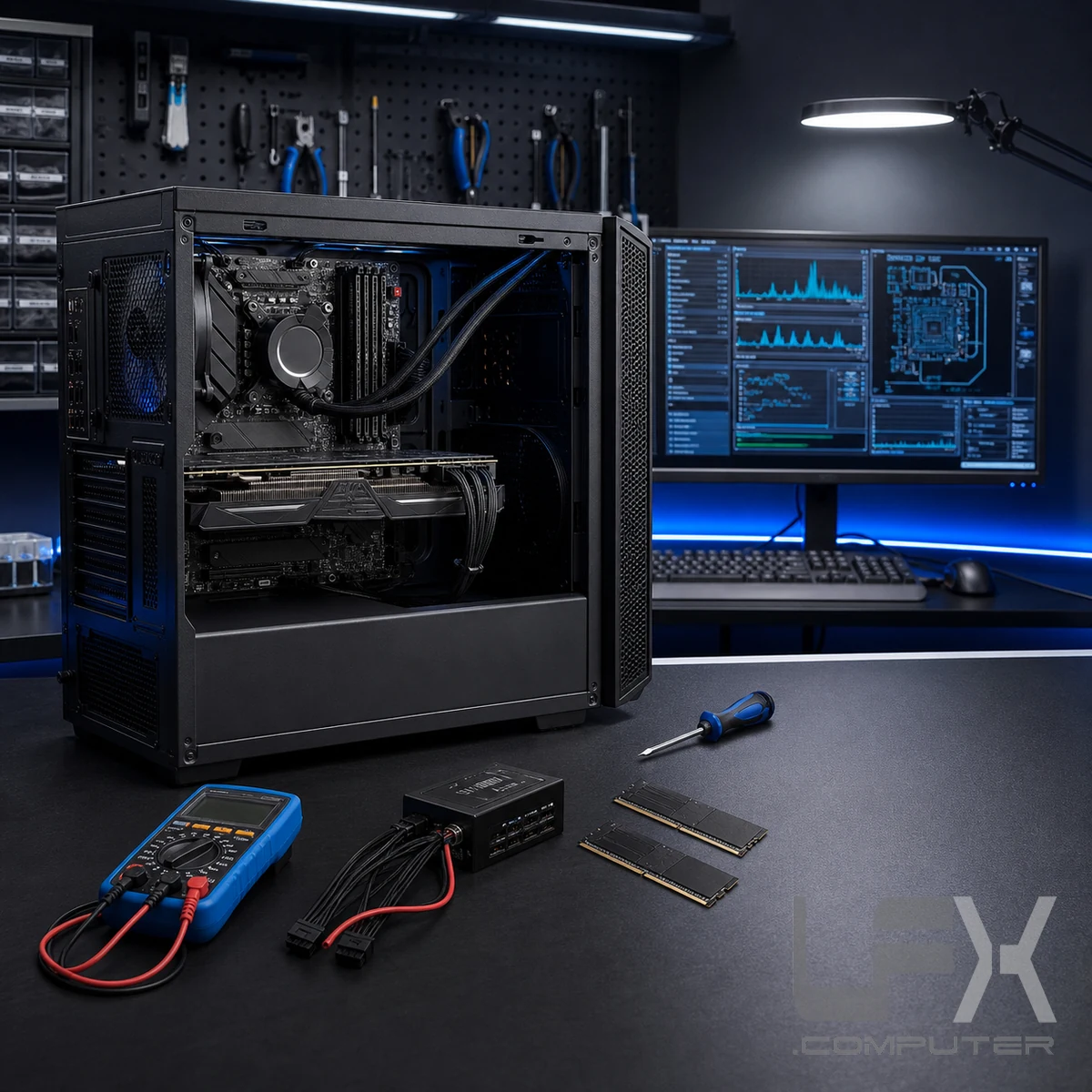
LFX tests the machine as a complete system. Diagnosis can cover the power supply, memory, motherboard, processor, graphics card, HDD or SSD storage, cooling, cables and other fitted components before a repair or replacement is recommended.
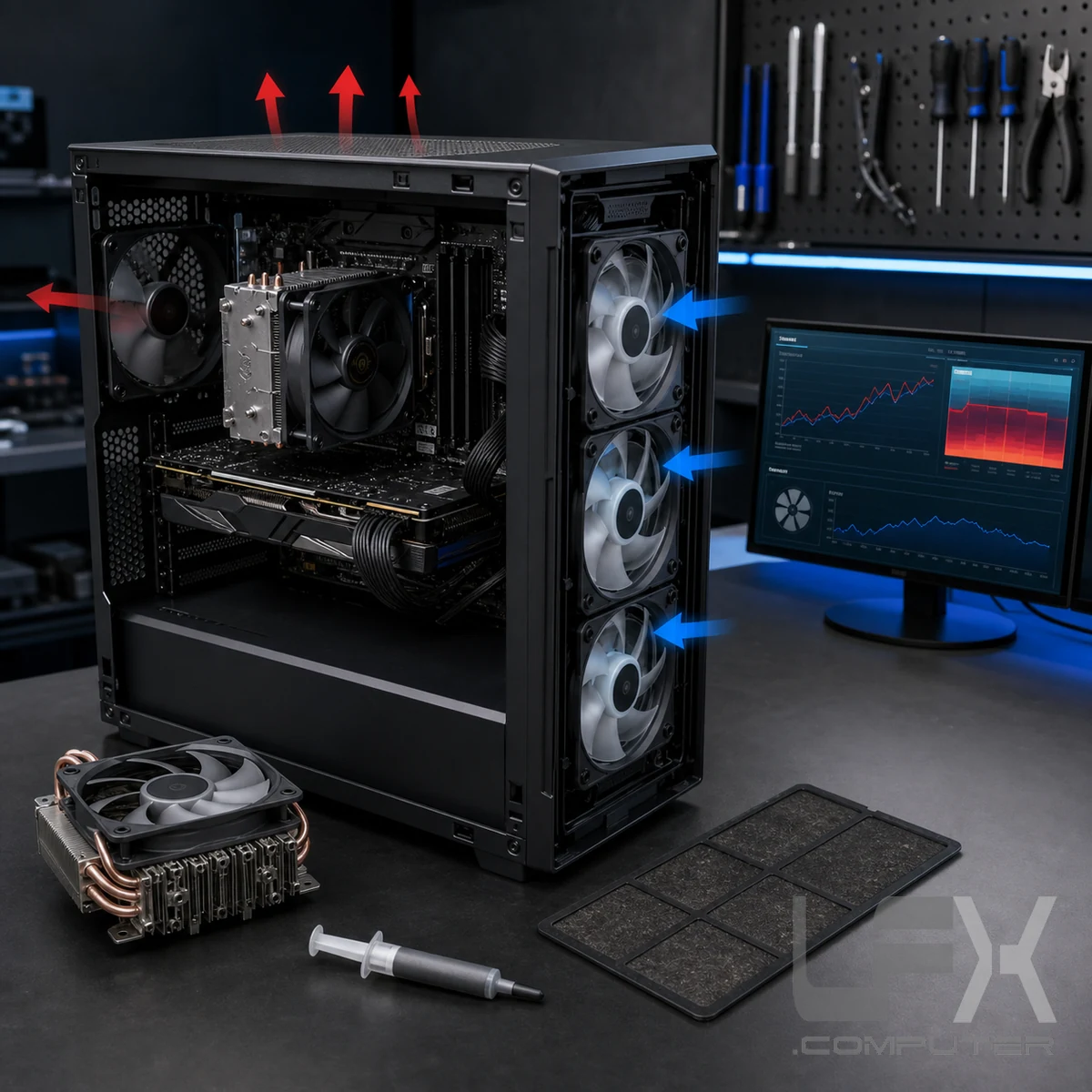
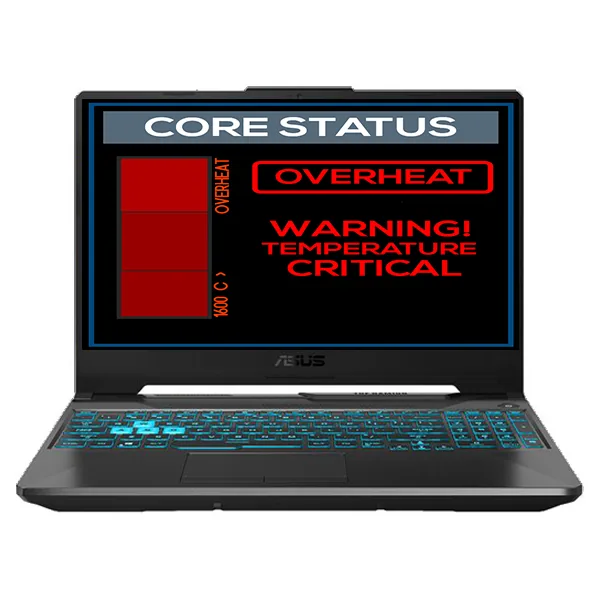
Gaming workloads place sustained demand on the processor, graphics card and power supply. Restricted airflow, failed fans, clogged filters, tired thermal paste or an incorrectly fitted cooler can cause stuttering, crashes, shutdowns and reduced performance.
Cooling work is matched to the evidence. Temperatures and fan behaviour are checked before cleaning, cooler refitting, thermal-paste renewal or airflow changes are proposed.
CPU and GPU temperature monitoring
Fan, pump, filter and heatsink inspection
Compressed-air clean where appropriate
Thermal-paste and airflow correction when required
Graphics, memory, storage, power and custom builds
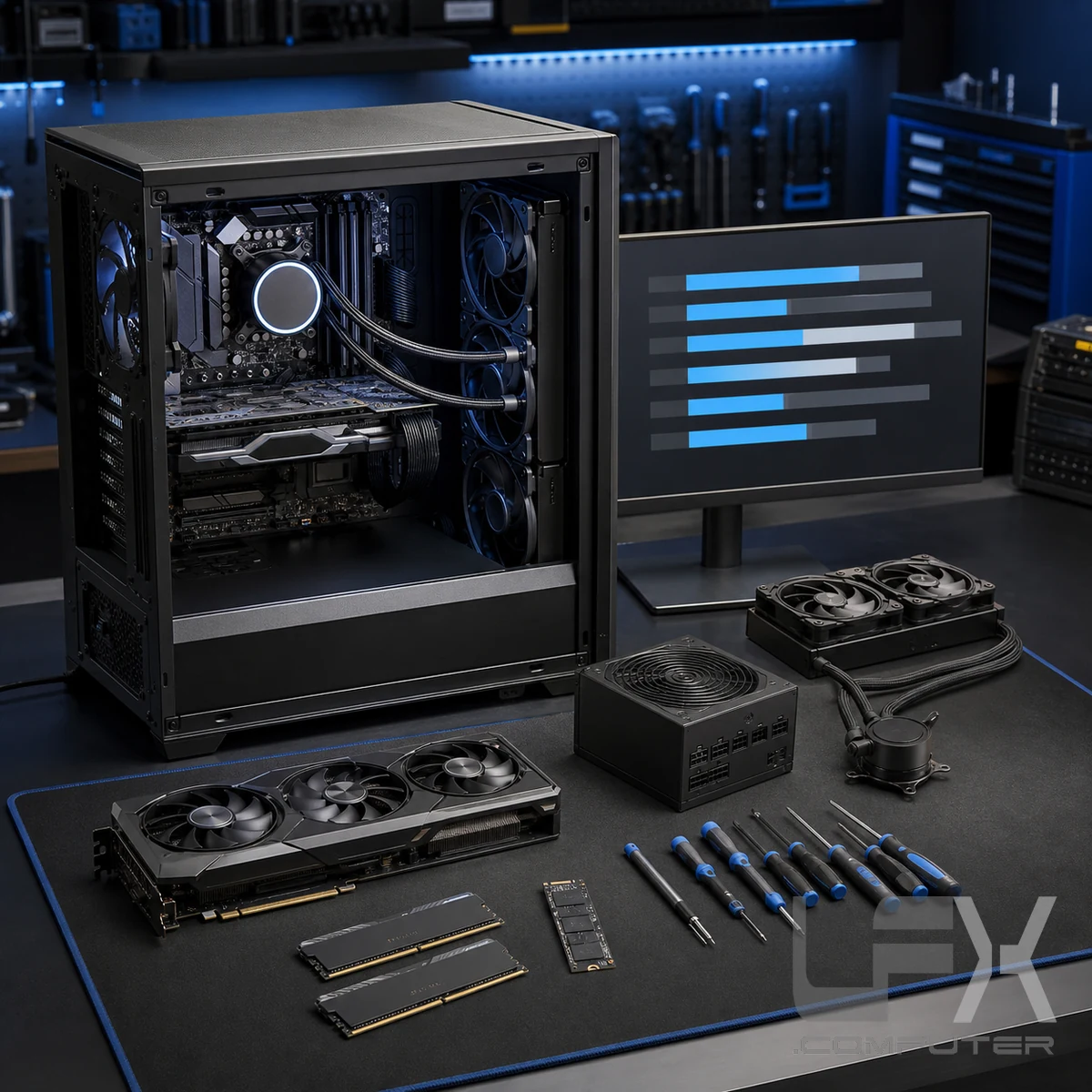
A useful upgrade must suit the whole computer. LFX checks motherboard support, case clearance, power connectors, power-supply capacity, cooling, BIOS support and likely performance before fitting expensive components.
Advice is available for graphics cards, memory, NVMe and SATA SSDs, power supplies, cooling and balanced custom builds for gaming, streaming and creator workloads. Component costs are quoted separately from labour.
GPU clearance, power and performance checks
RAM capacity, speed and compatibility advice
SSD and NVMe storage upgrades
Balanced custom PC assembly without unsuitable parts
A gaming PC is not considered stable because it starts once. After repair, the relevant processor, graphics, memory, storage and temperature tests are repeated under controlled workload conditions.
This final testing is especially important for intermittent crashes, no-display faults and performance drops that only appear during games or other demanding applications.
Symptoms that benefit from complete-system testing
No display or no POST
The PC powers on but produces no picture, diagnostic LEDs, beeps or a restart loop. GPU, RAM, PSU, CPU, BIOS and motherboard faults are possible.
Crashes while gaming
Load-related crashes can involve graphics drivers, GPU instability, memory, power delivery, storage or excessive temperatures.
Low frame rate or stuttering
Thermal throttling, background software, storage, memory configuration, drivers or an unbalanced component upgrade can reduce performance.
Power and restart faults
Instant shutdowns, delayed starts and random restarts need power-supply, cabling, motherboard and temperature checks.
RGB and fan-control faults
Lighting and fan hubs can suffer connection, controller, software or compatibility problems without the main PC being faulty.
Failed or unstable upgrades
A newly fitted GPU, RAM kit, processor, SSD or power supply may need compatibility, BIOS, power and installation checks.
Gaming PC labour prices
Choose the repair level after diagnosis
These labour tiers reproduce the established Gaming PC service prices. Replacement parts, licences and specialist data recovery are not included.
Fault finding
Inspection, testing and diagnosis
GBP 40
Component-level testing to identify the fault before repair. The diagnostic fee is included when moving to one of the repair services below.
PSU, RAM, motherboard and CPU
Graphics card and storage
Cables and ancillary components
One repair route
Single repair service
GBP 69
One hardware or software repair with no data manipulation. Includes diagnosis, a compressed-air dust clean and fitting the agreed replacement component.
Diagnosis fee included
Hardware or software repair
Component build work without operating system
Combined repair
Full package repair service
GBP 109.99
A combined hardware and software repair with deeper fan cleaning, CPU thermal-paste renewal and operating-system repair or reinstallation where required.
Hardware and software repair
Deeper fan clean and CPU thermal paste
Small data manipulation, excluding data recovery
Very high-value computers
Very high-value gaming computers carry a fixed labour charge of GBP 149.99 due to the enhanced handling procedures, detailed inspection and extended verification required for premium components.
Parts and licences
Prices exclude replacement components and operating-system licences. Data recovery is separately assessed when storage is failing or files need specialist work.
Turnaround
Gaming PC repairs may take longer while compatible test parts are sourced and extended checks run. Power-supply replacement and operating-system installation can often be completed the same day when requirements are available.
Workshop visits
Bring gaming PCs to the Brighton workshop for proper bench testing, power checks, cooling checks and longer stability tests.
Yes. No-display faults can come from the graphics card, memory, power supply, motherboard, processor, BIOS or cabling, so the system is tested before parts are recommended.
Why can a gaming PC have more than one faulty component?
A failed power supply, overheating event or incompatible upgrade can affect more than one component. Gaming PCs are tested as a complete system because replacing a single suspected part may not resolve the fault.
Do you repair overheating gaming PCs?
Yes. Cooling diagnosis can include fan operation, dust restriction, airflow, CPU and GPU temperatures, heatsinks and thermal paste where appropriate.
Can you upgrade my graphics card or other components?
Yes. LFX can check case clearance, motherboard compatibility, power requirements, cooling and likely performance before fitting a GPU, SSD, memory, power supply or cooling upgrade.
Do you build custom gaming PCs?
Yes. LFX can assemble compatible custom gaming PCs and advise on balanced component choices for gaming, streaming and creator workloads.
How long does a gaming PC repair take?
Gaming PC repairs can take longer than standard desktop repairs because components require extended testing and compatible test or replacement parts may need to be sourced. Power-supply replacement and operating-system work can often be completed more quickly when parts and licences are available.