Laptop liquid damage repair in Brighton for spilled drinks, rain damage, dead laptops, sticky keyboards, motherboard corrosion, charging faults and data recovery advice.
Dead laptop, corrosion and motherboard fault assessment
Useful information from the production liquid damage page has been rebuilt into lightweight native sections, focused on what to do after a spill, the faults liquid can cause and when repair, cleaning, replacement or data recovery makes sense.
Important first step
If liquid has been spilled, switch the laptop off
Disconnect the charger and any connected devices, then do not try to power the laptop back on. Continuing to use or charge a wet laptop can cause short circuits, spread corrosion and reduce the chance of a successful repair.
Common causes
Water, coffee, tea and sugary drinks can reach the board quickly
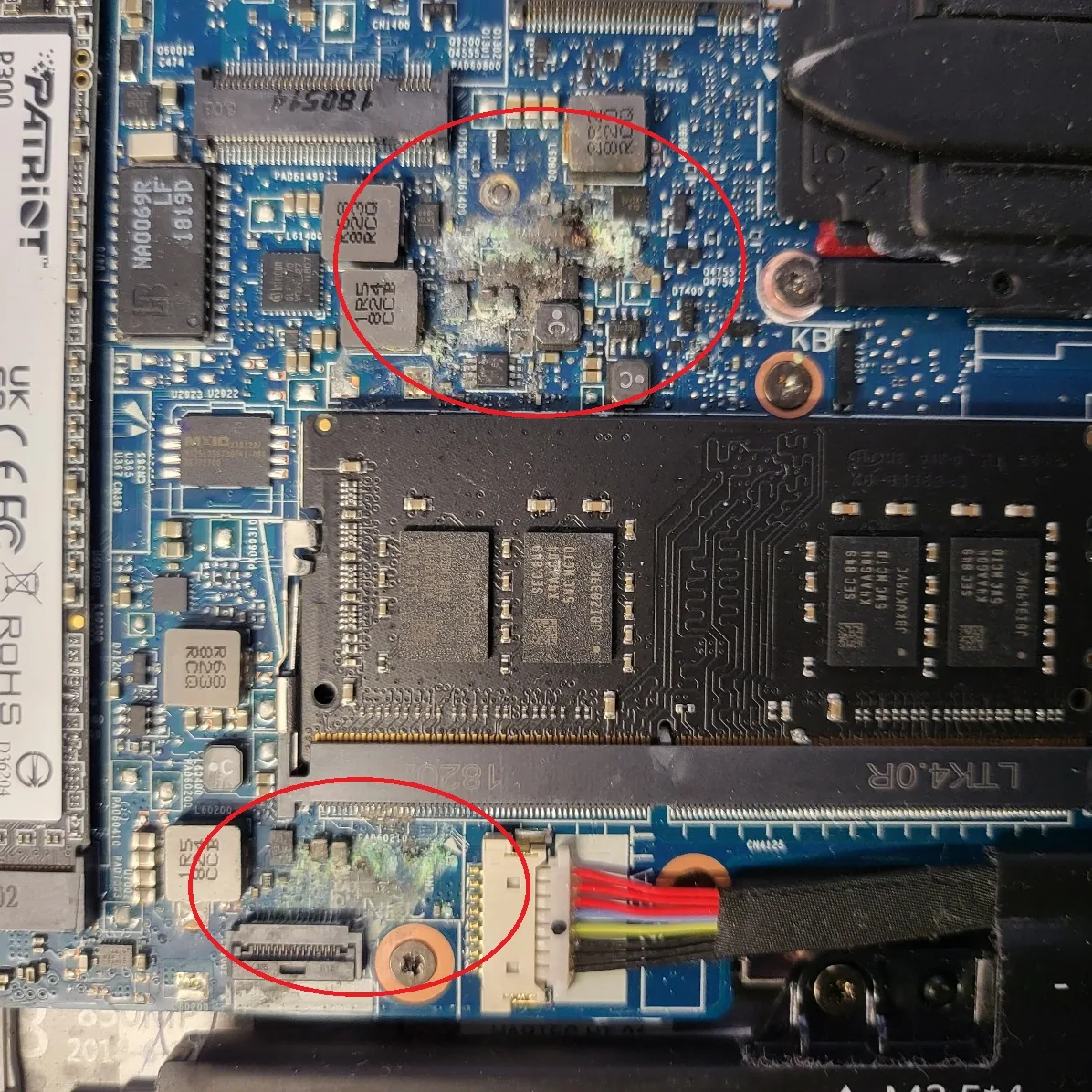
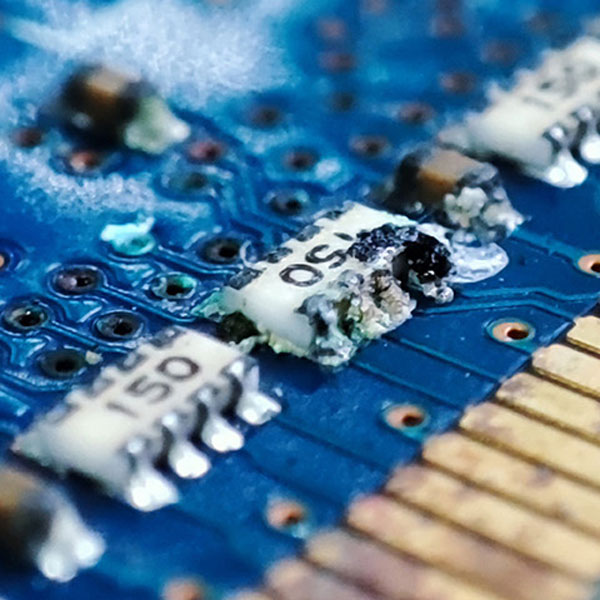
Liquid damage can happen when water, coffee, tea, rain or other liquids enter through vents, keyboard gaps or case openings. Moisture can start corrosion within hours, while sugary drinks can leave conductive residue that keeps causing faults after the laptop appears dry.
Fault symptoms
Liquid damage can cause unstable, intermittent or dead laptops
Symptoms can include no power, random shutdowns, screen flickering, keyboard failure, USB ports stopping, battery or charging faults, distorted graphics, devices not being detected and complete startup failure. Some faults appear weeks or months later as corrosion spreads.
Motherboard diagnosis
Dead motherboard and board-level liquid damage checks
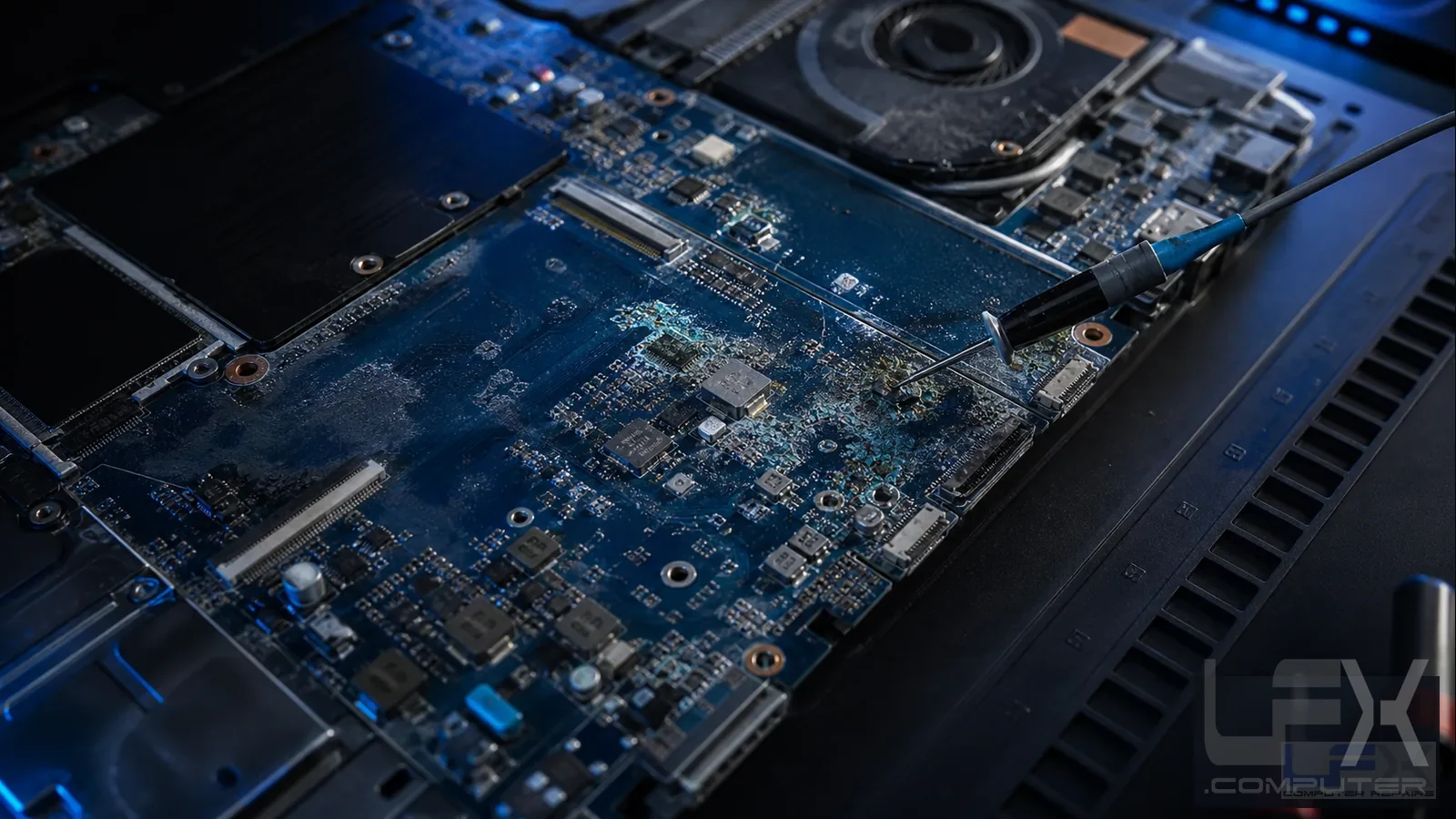
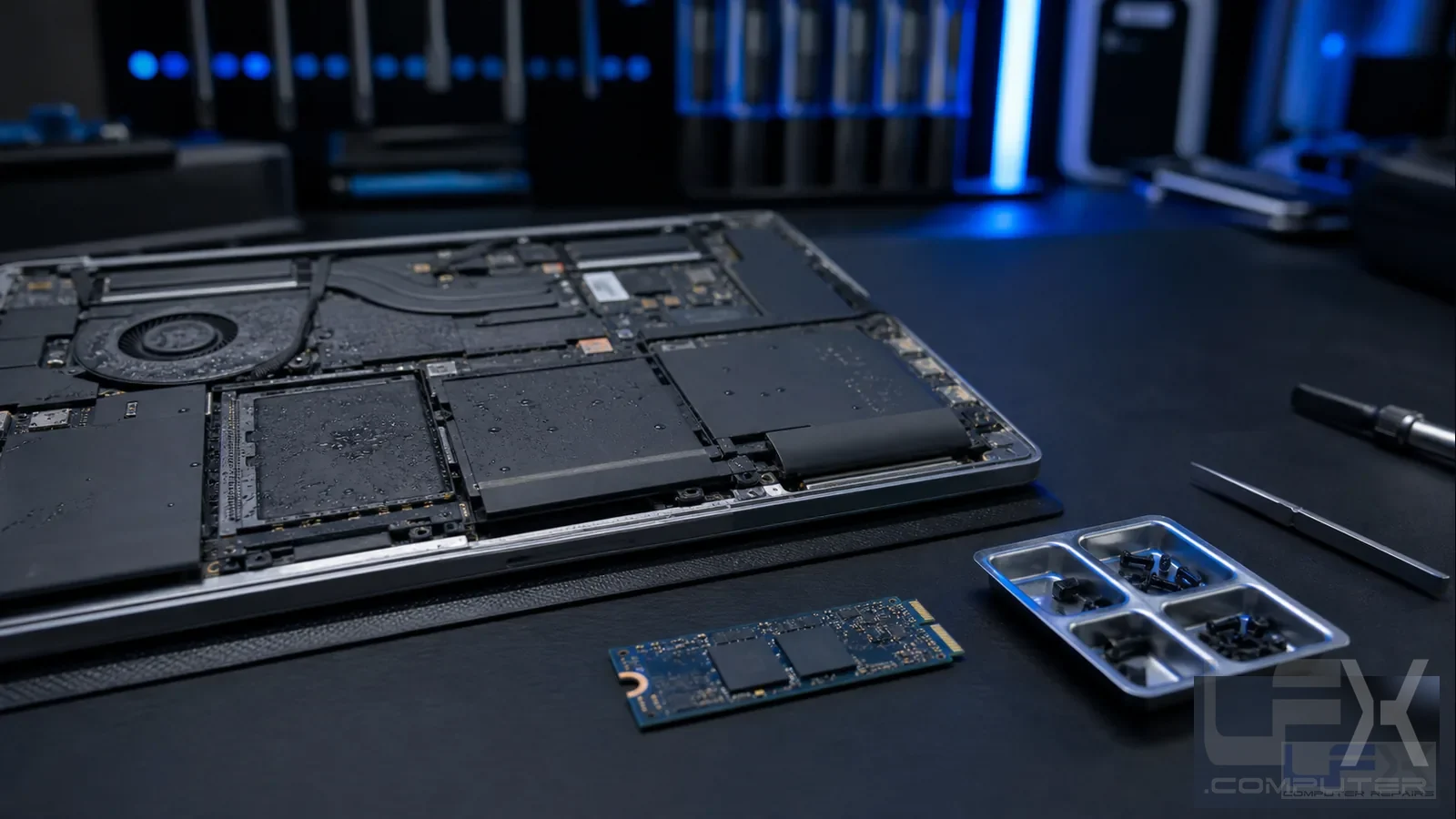
The motherboard is the heart of the laptop. Liquid can damage circuits, resistors, chips, charging areas and data paths. LFX checks whether cleaning, component repair, motherboard replacement, pre-owned parts or data recovery is the most sensible route.
Repair or recovery
Professional clean-up, repair and replacement advice
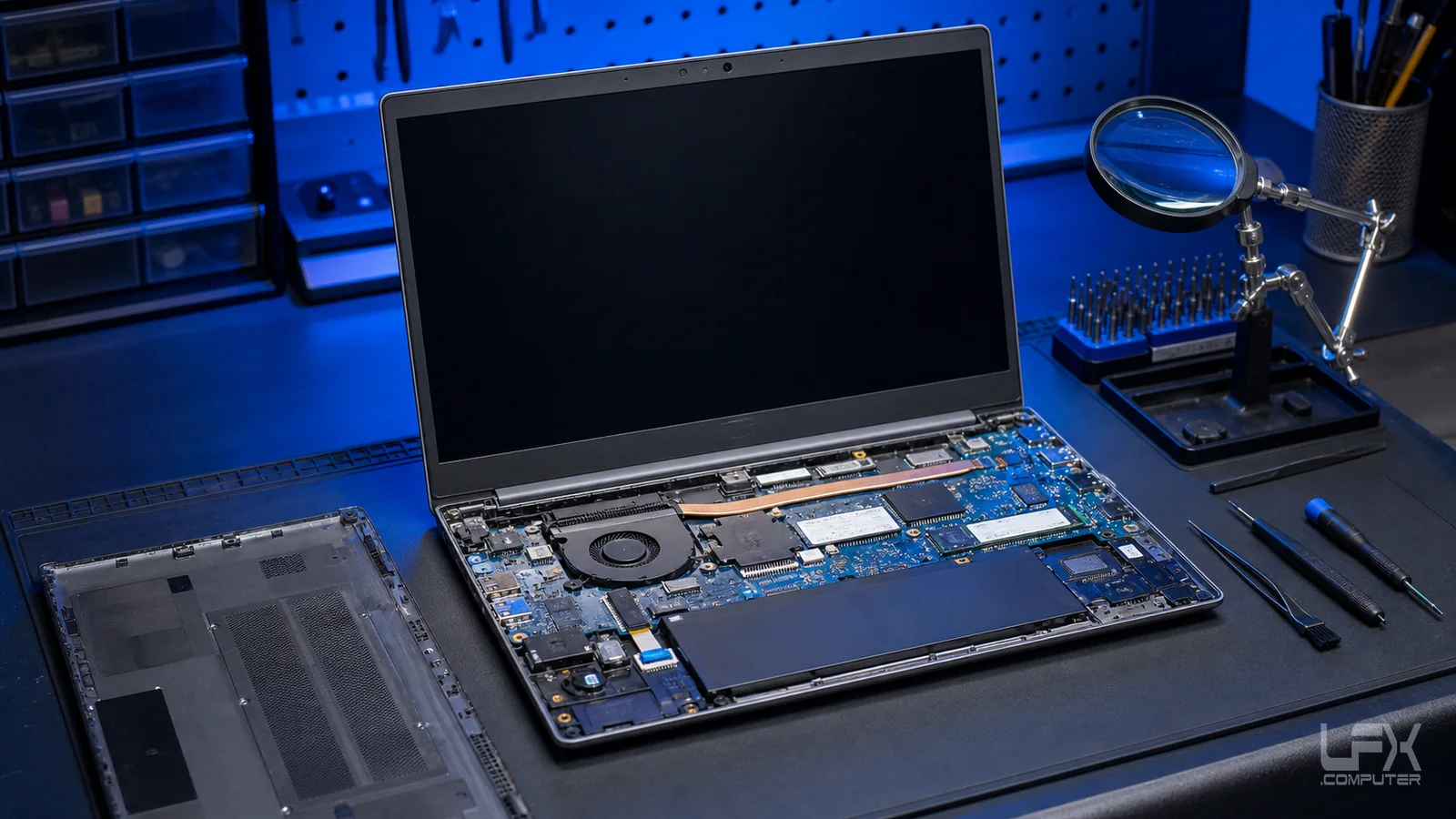
At LFX Computer Repairs Brighton, liquid damaged laptops are assessed before parts are ordered. Affected components may be cleaned, repaired or replaced where economical. If the laptop is not worth repairing, protecting data and explaining replacement options becomes the priority.
Liquid damage symptoms
Signs the laptop needs inspection after a spill
No power after spill
Do not keep pressing the power button; internal power rails may be shorted.
Sticky keyboard
Sugary residue can damage keyboard layers and connectors.
Charging stopped
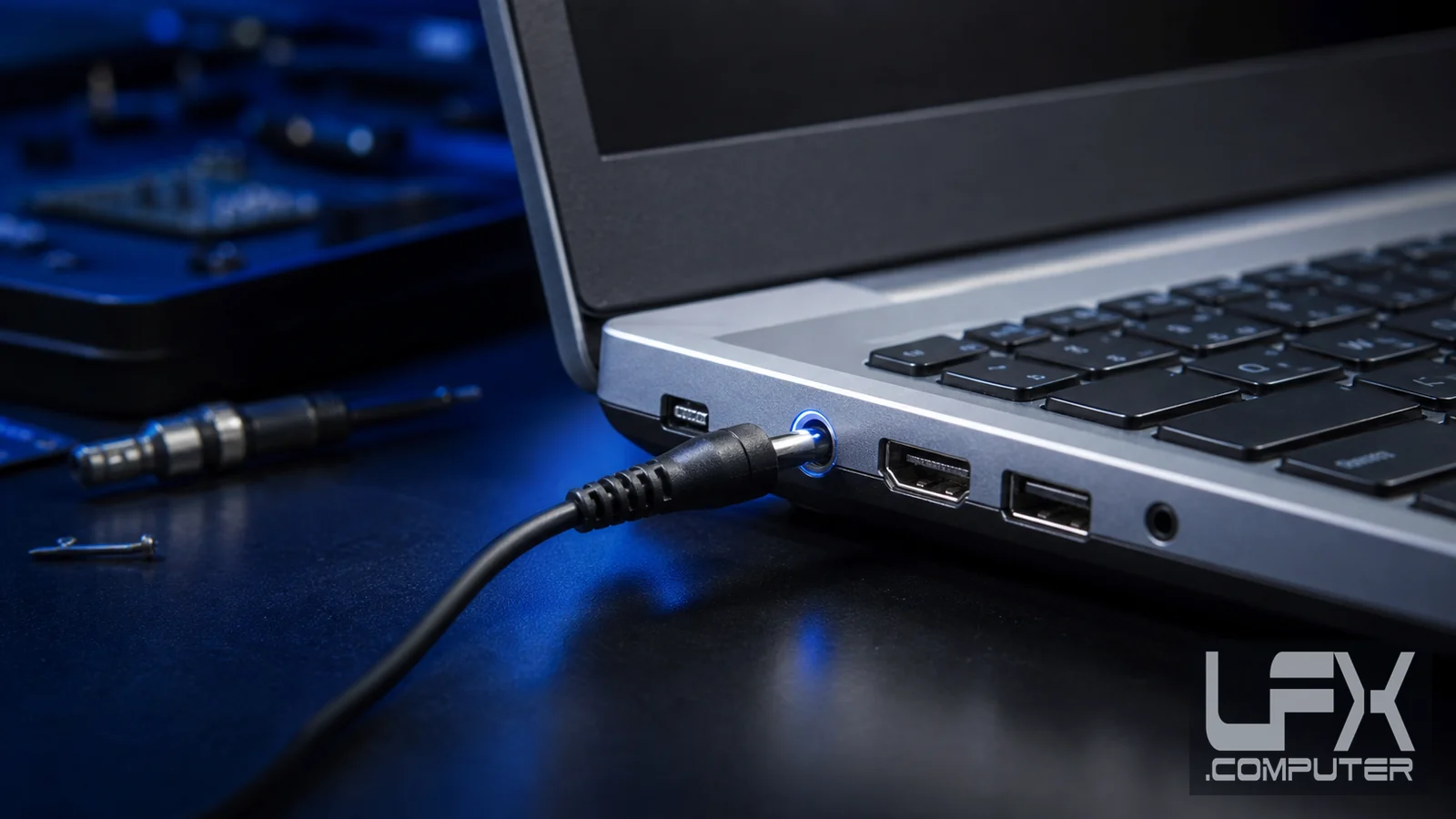
Charging sockets, battery circuits and motherboard power areas may be affected.
Screen flicker or black screen
Liquid can affect display cables, backlight circuits and graphics paths.
USB or devices not detected
Board corrosion can break communication with ports and internal devices.
Important files needed
Data recovery may be possible even when the laptop itself is not economical to repair.
Brighton and Hove coverage
Laptop liquid damage help across Brighton and nearby areas
LFX provides laptop liquid damage services across Brighton and Hove, including Hove, Portslade, Kemptown, Rottingdean, Bevendean, Withdean, Hollingdean, Patcham, Brighton Marina, Elm Grove, Fiveways, Moulsecoombe, Hangleton, Hanover, Mile Oak, Ovingdean, Preston Park, Queens Park, Tondean, Whitehawk and surrounding areas.
Stop power
Switch off, unplug the charger and avoid testing the laptop again.
Inspect internally
The workshop checks corrosion, liquid path, board condition and visible damage.
Clean and test
Where suitable, affected areas are cleaned and the power, screen, keyboard, storage and charging behaviour are tested.
Explain the best route
LFX advises whether repair, motherboard replacement, data recovery or replacement is the sensible option.