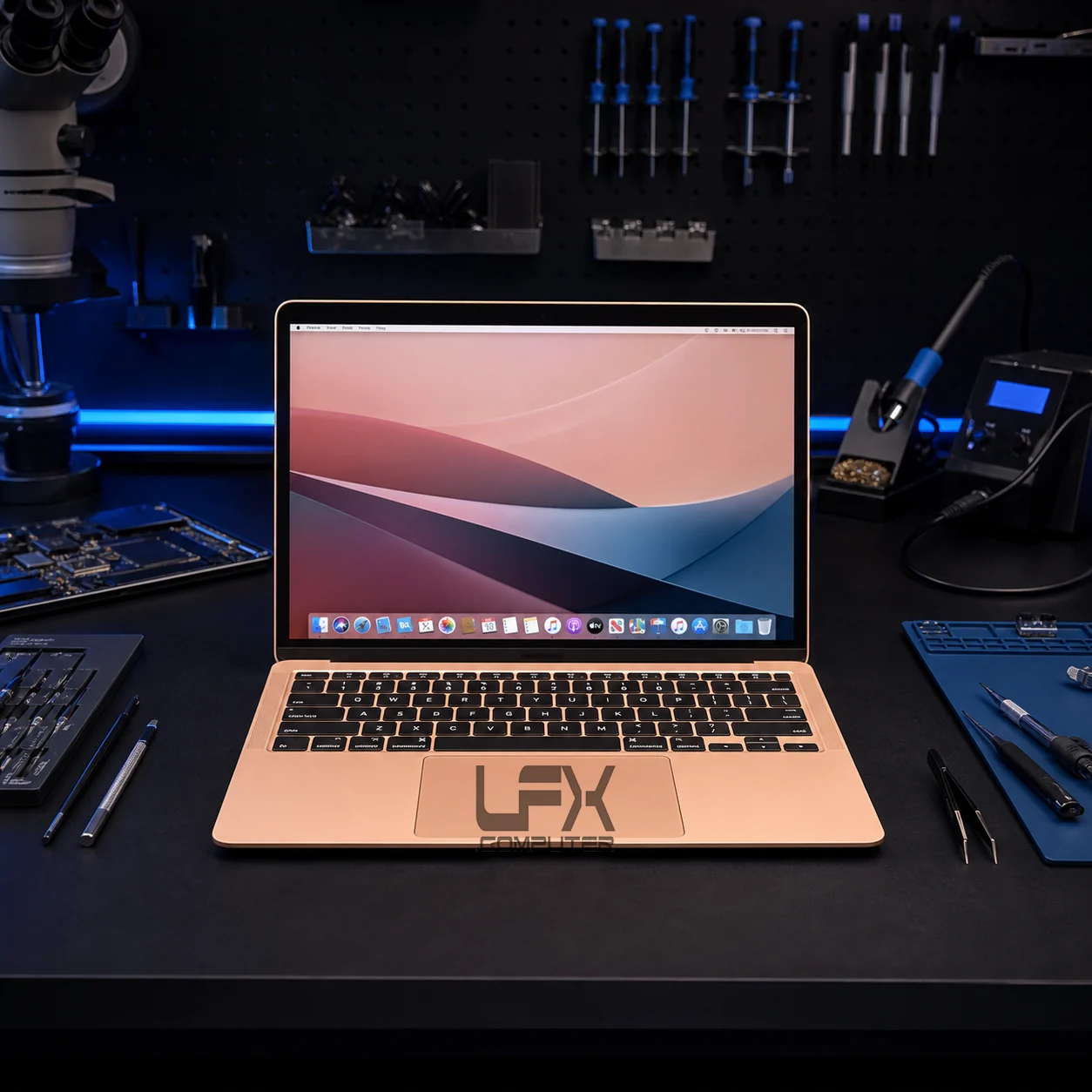
Laptop charging port repair in Brighton for loose charging sockets, broken DC jacks, USB-C power faults, intermittent charging, charger problems and laptops that only work at a certain angle.
Broken DC jack, USB-C and no-charge repair in Brighton
Useful information from the production charging-port page has been rebuilt into lightweight native sections, focused on loose sockets, charger checks, USB-C faults and what to do before the laptop stops powering on completely.
No charge diagnosis
Laptop not charging or only charging at an angle
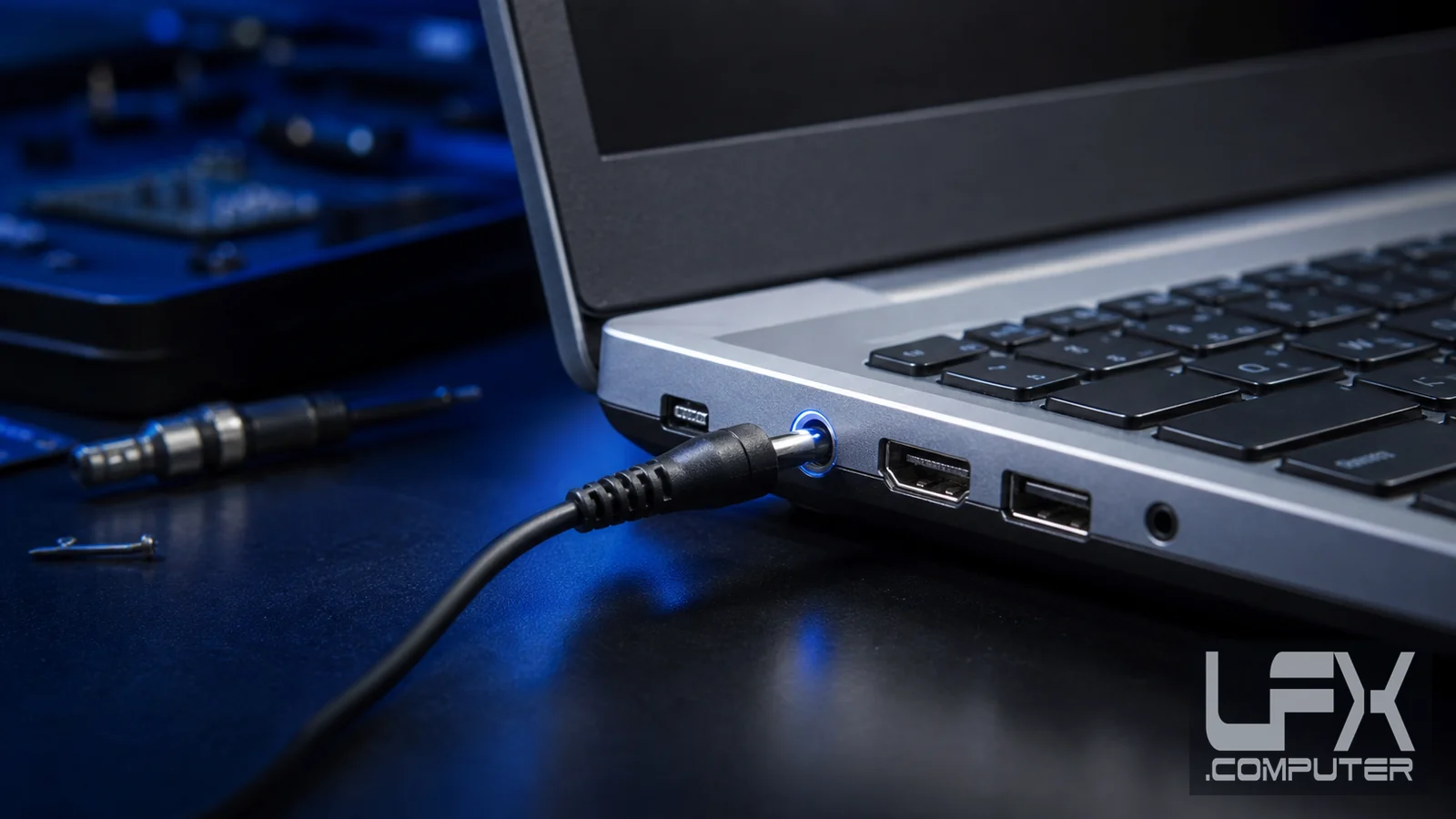
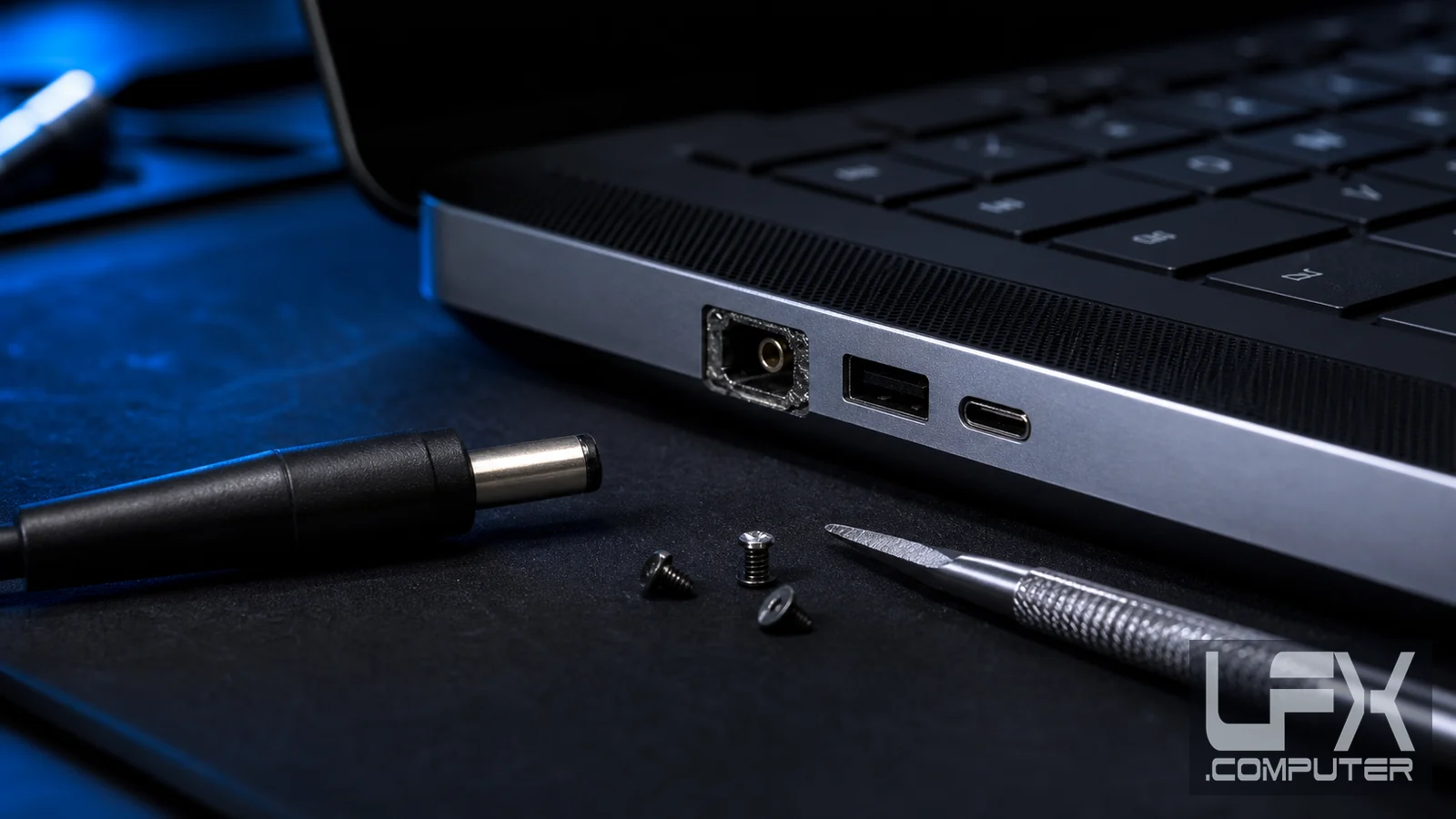
A broken non-charging DC or USB-C socket often starts with repeated charger movement. The port can loosen until the battery no longer receives a stable charge, or the laptop only works when the connector is held in a certain position.
Charger, socket or board
Check the charger before replacing parts
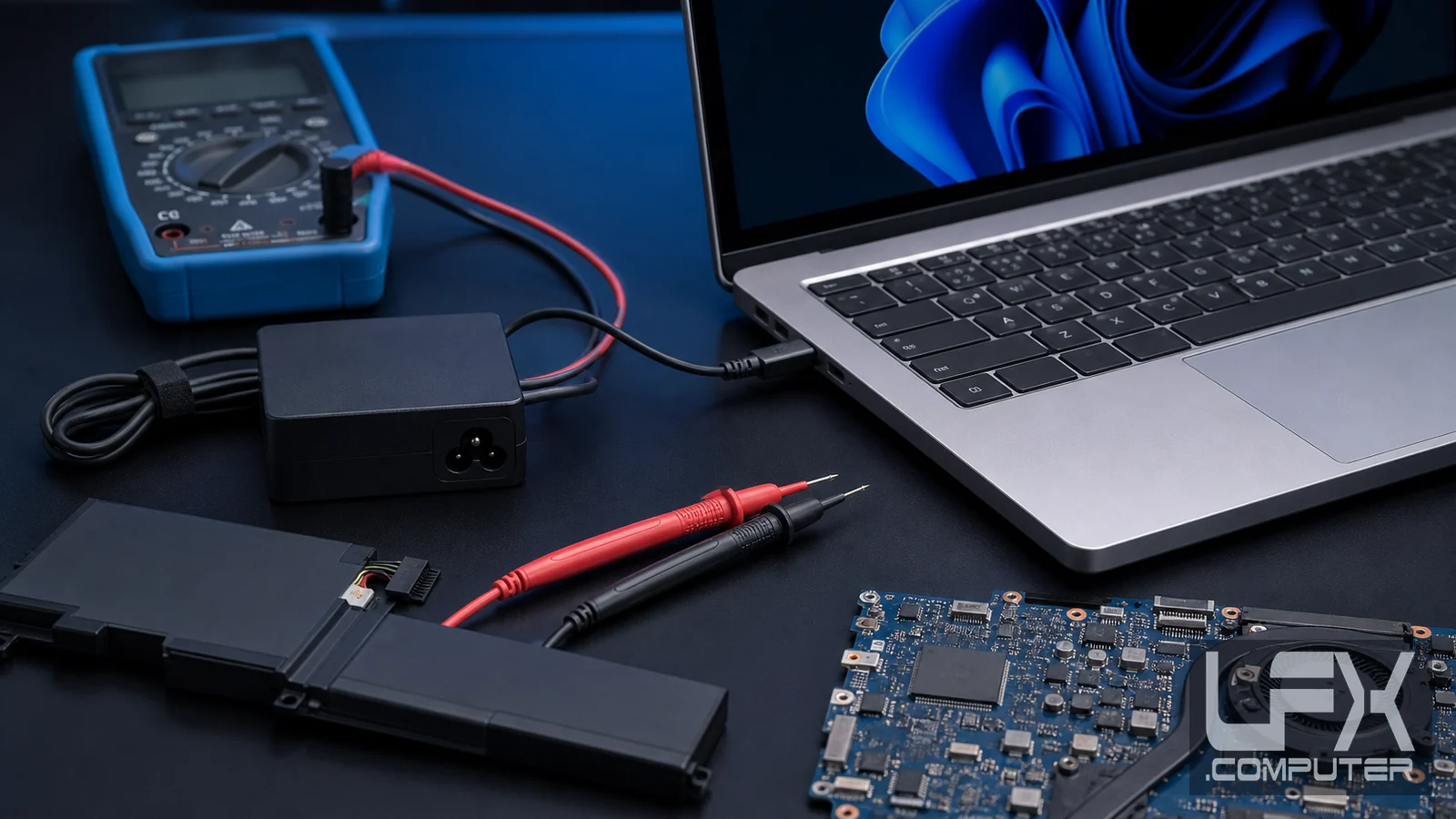
Charging faults are not always the laptop socket. A damaged charger cable, failing adapter, battery fault, loose DC jack, USB-C port, charging board or motherboard fault can all create similar symptoms, so LFX tests the simple causes first.
USB-C caution
USB-C charging ports need careful assessment
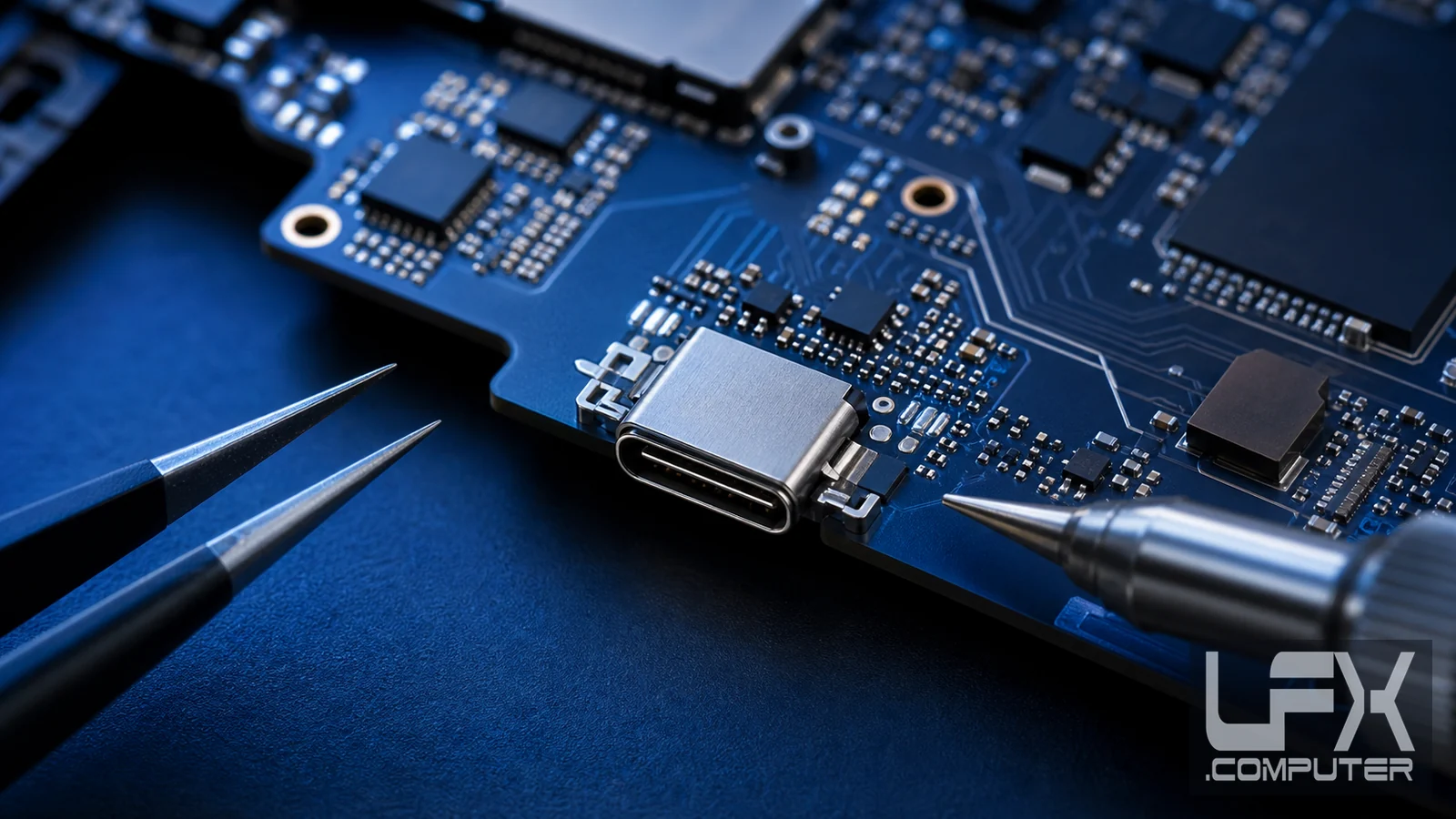
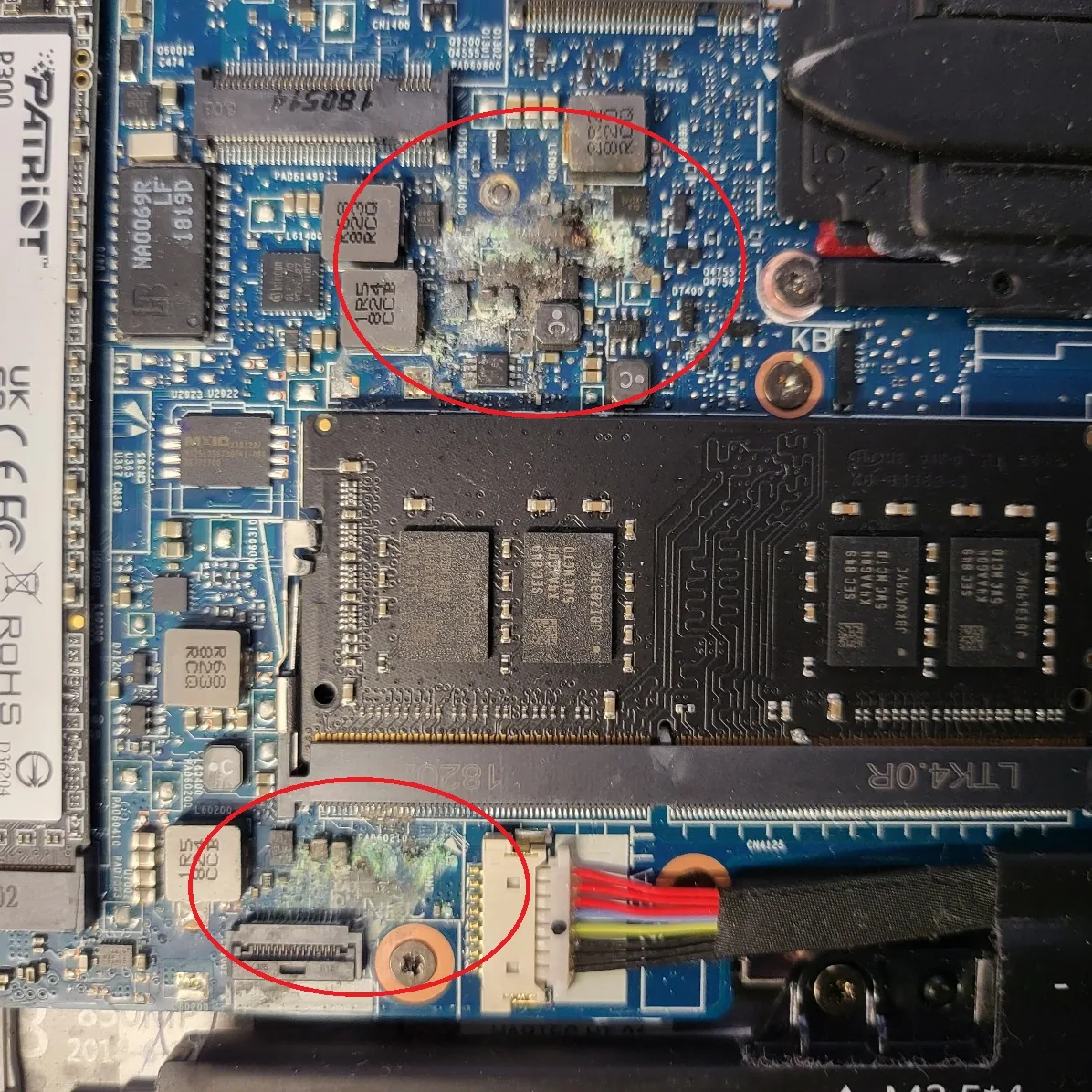
USB-C charging faults can involve delicate soldering, port damage, motherboard tracks and charging circuitry. If the connector has been wiggled until the laptop died, the fault may be more than the socket alone.
If the laptop sparks, cuts out, shuts down randomly or needs the charger held in place, stop forcing the connector. Continuing to move the charger can damage the socket, charger tip, board pads or power circuit and make repair less straightforward.
Charging fault symptoms
Signs the charging socket or power circuit needs checking
Loose charger feeling
The connector feels unstable or moves inside the socket.
Only charges at an angle
Charging starts only when the cable is held in a specific position.
Random shutdowns
Power drops out when the charger or laptop is moved.
New charger did not help
The laptop may have socket, battery or board-level power faults.
USB-C port feels weak
USB-C faults can involve port soldering, tracks and charging chips.
Battery will not charge
Battery, adapter, socket and power circuit all need checking.
Repair process
How LFX checks laptop charging faults
Bring the charger
Testing the charger and cable helps separate adapter faults from laptop faults.
Inspect the socket
The DC jack or USB-C port is checked for looseness, physical damage and heat marks.
Check power behaviour
Battery state, charging light, shutdown symptoms and board response are assessed.
Explain the route
LFX advises whether repair, socket replacement, charger replacement or deeper diagnosis is sensible.
Yes. Many loose DC jack faults can be repaired or the socket replaced, depending on the laptop model and whether the socket, cable, board tracks or charger have been damaged.
What if USB-C charging has failed?
USB-C charging faults can be more complex because the port, charger, cable, charging chip and motherboard tracks may all be involved. LFX checks the practical route before parts are replaced.
Could the charger be the problem instead of the laptop?
Yes. Damaged charger cables and failing adapters can look like socket faults. Bring the charger where possible so the adapter, cable, port and battery behaviour can be tested together.
Should I keep wiggling the charger to make it work?
No. Wiggling or forcing the connector can make a loose socket worse and may damage motherboard tracks or charging circuitry. Stop using it and arrange inspection.
Do you offer free inspection for charging faults?
Most standard laptop charging-port inspections can be checked first so LFX can explain whether the fault is charger, battery, socket, USB-C port, charging board or motherboard related.