All-in-one computer repair in Brighton for HP, Lenovo, Dell, Acer, ASUS, Medion and similar Windows desktops with no power, startup, screen, socket, storage, overheating or performance faults.
The same symptom can come from the display, power system, Windows installation, storage, memory, cooling or motherboard. Diagnosis separates those possibilities before a repair or upgrade is recommended.
Video overview
All-in-one desktop repair in Brighton
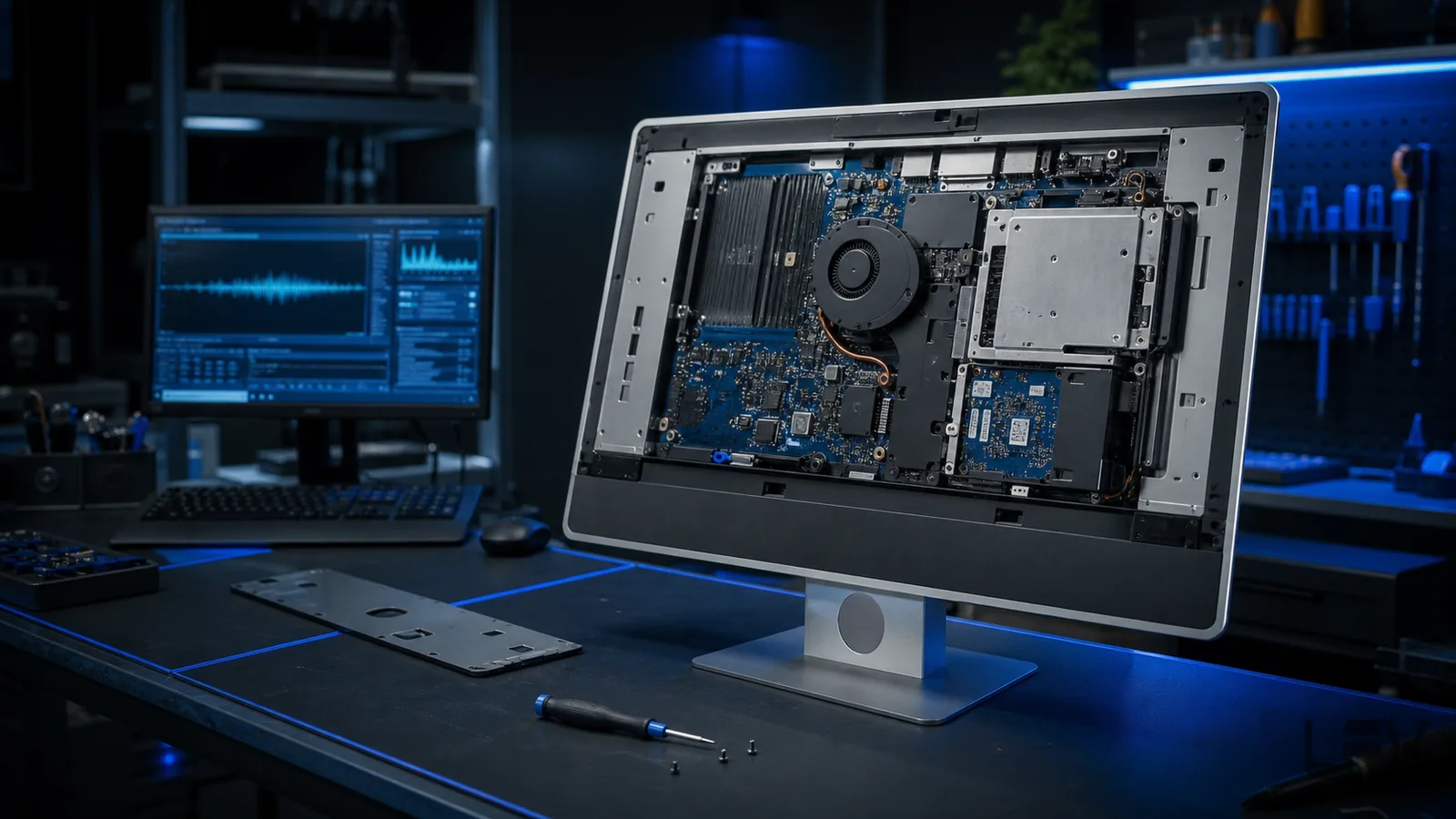
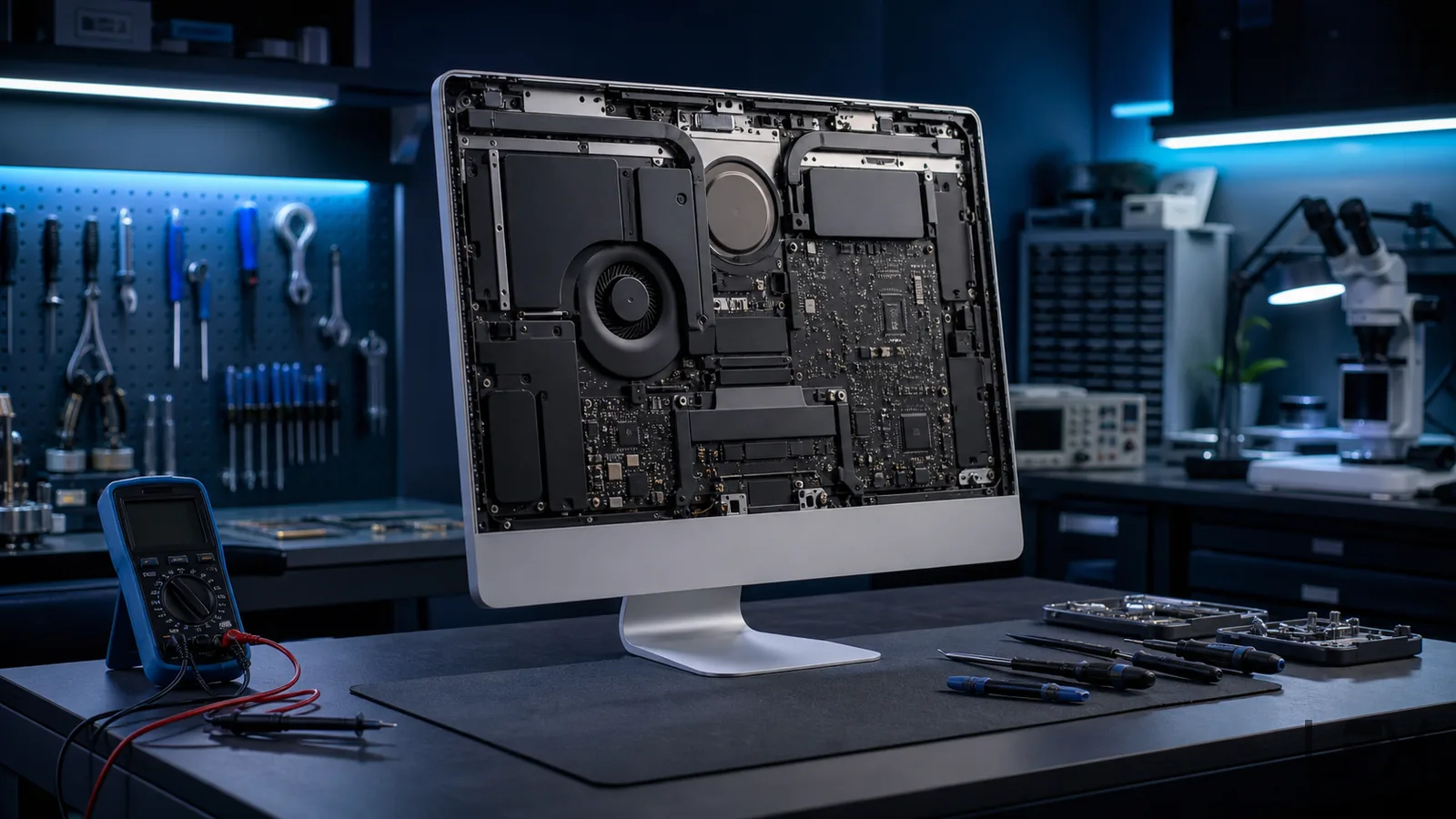
All-in-one computers place the display, power system, motherboard, storage and cooling inside one compact chassis. That saves desk space but makes diagnosis, access and parts selection different from a standard desktop tower.
LFX repairs Windows all-in-one computers from HP, Lenovo, Dell, Acer, ASUS, Medion and similar manufacturers, with the repair route based on the exact model, symptoms and value of the machine.
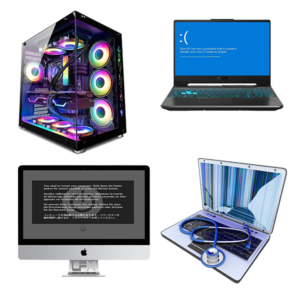
No power and broken socket faults
Blue screens and non-booting Windows
Slow performance and storage upgrades
Screen, fan and motherboard assessment
Power and connection faults
Dead, no power and broken sockets
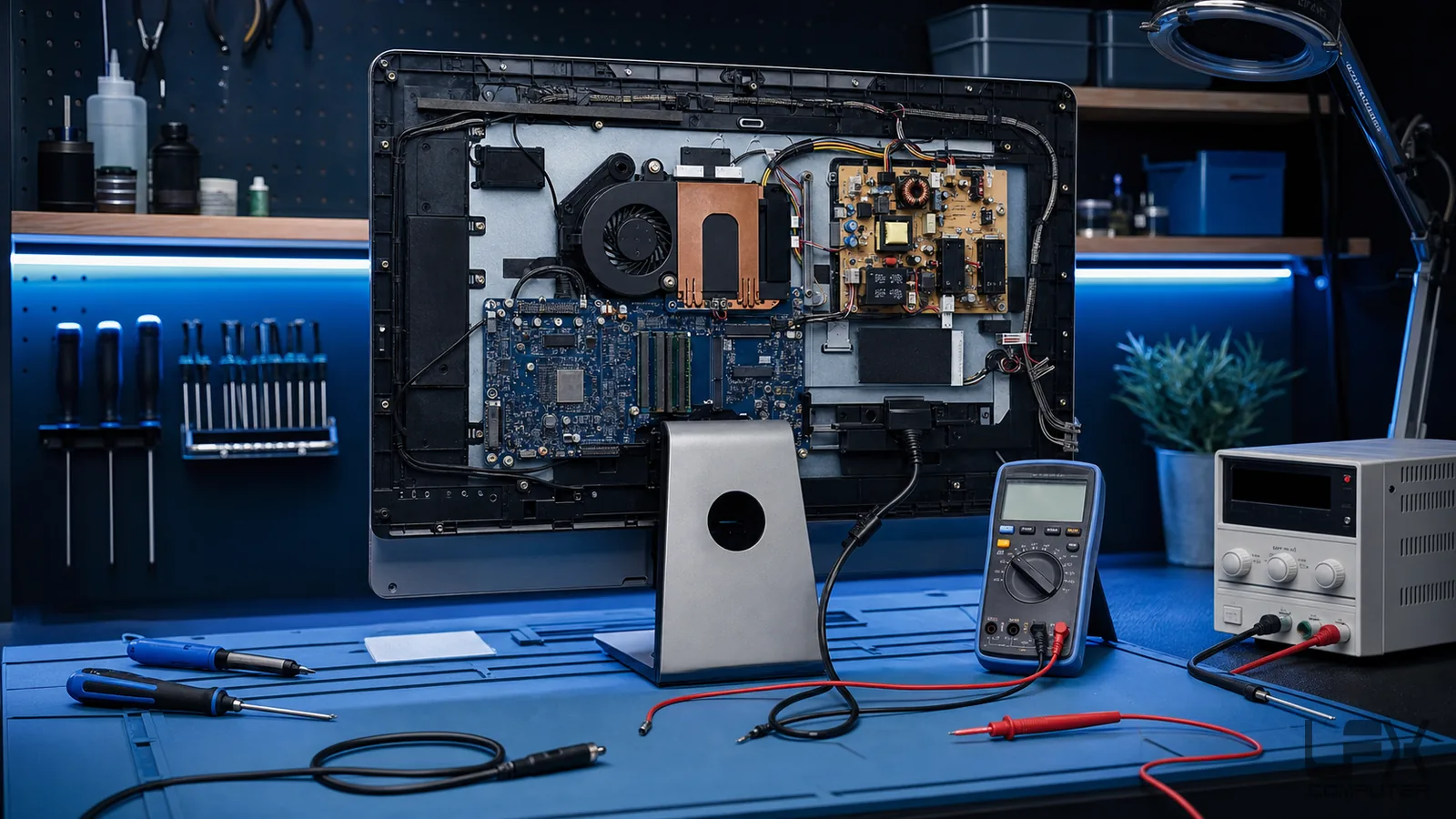
If the computer is completely unresponsive, first check the wall socket, plug fuse, power lead or external adapter. A machine that remains dead may have a failed DC socket, internal power supply, cable or motherboard fault.
Broken USB, USB-C, headphone and power sockets can also cause intermittent connections or prevent startup. LFX confirms whether the socket, power circuit or a deeper board fault is responsible before parts are ordered.
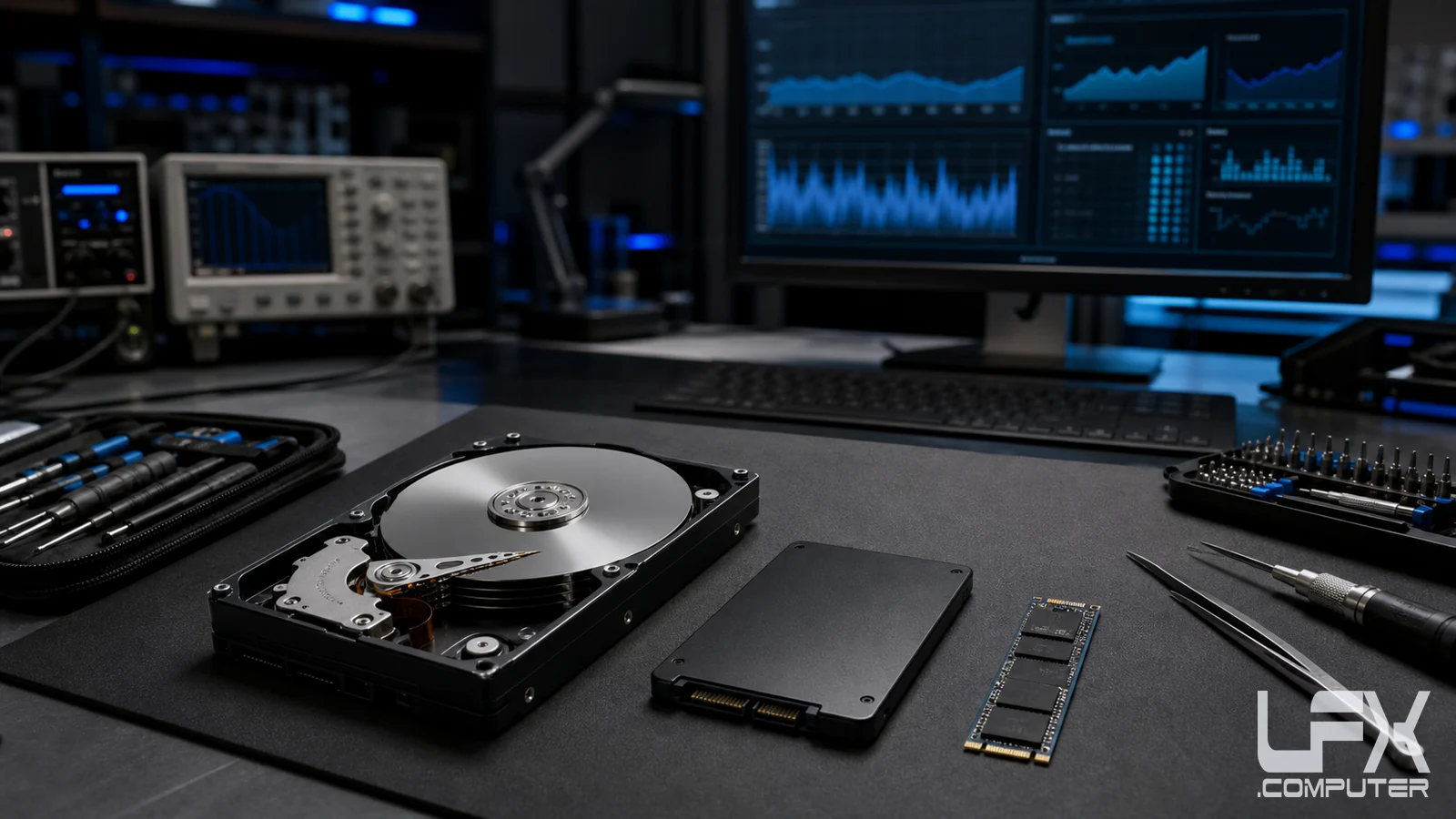
Slow startup, freezing and poor responsiveness may come from an ageing hard drive, limited memory, malware, excessive startup software or damaged Windows files. Storage health and data risk are checked before optimisation or upgrades.
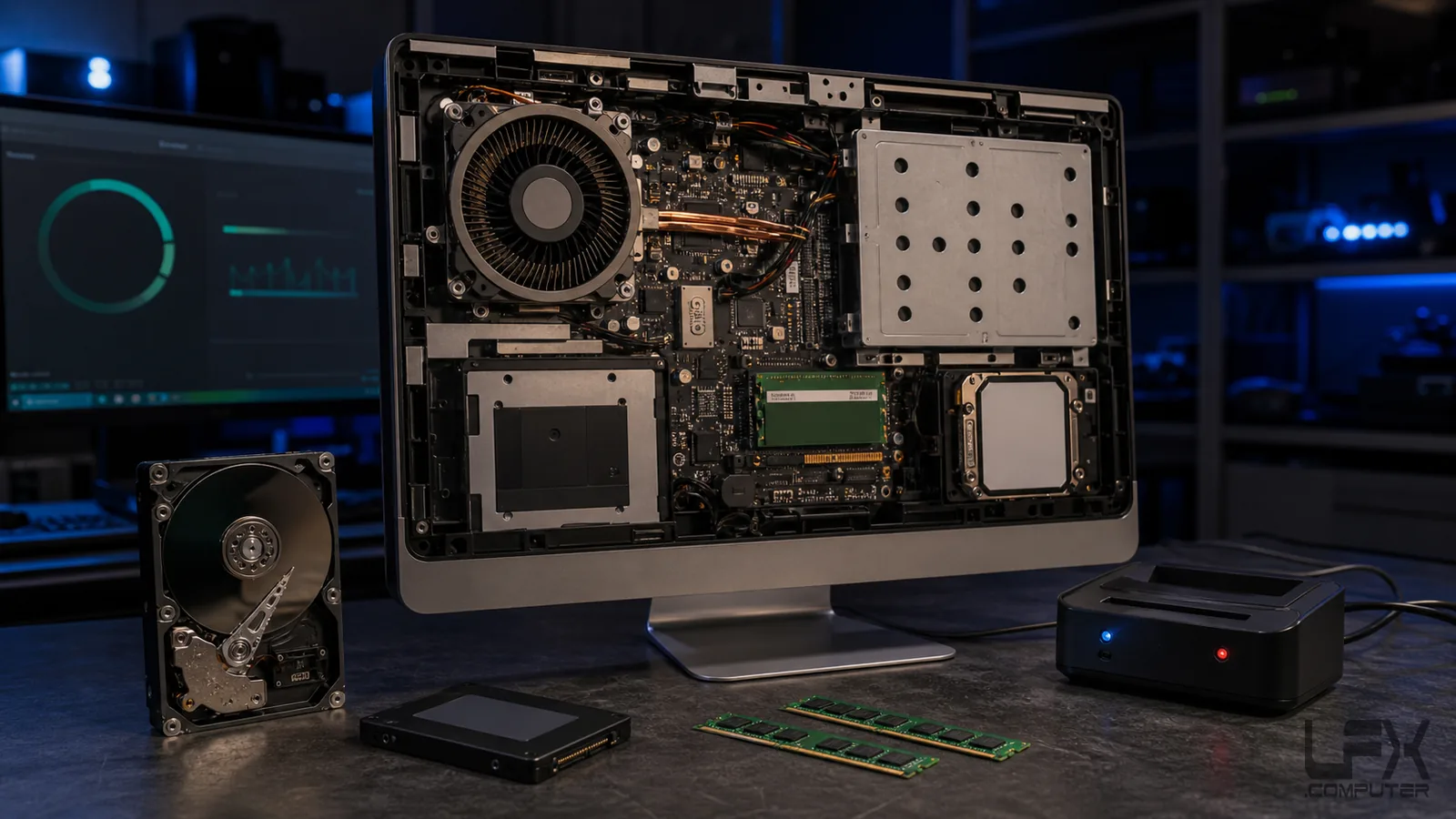
A suitable all-in-one can often gain a substantial improvement from an SSD or memory upgrade. Access, compatibility and any required data transfer determine whether same-day completion is practical.
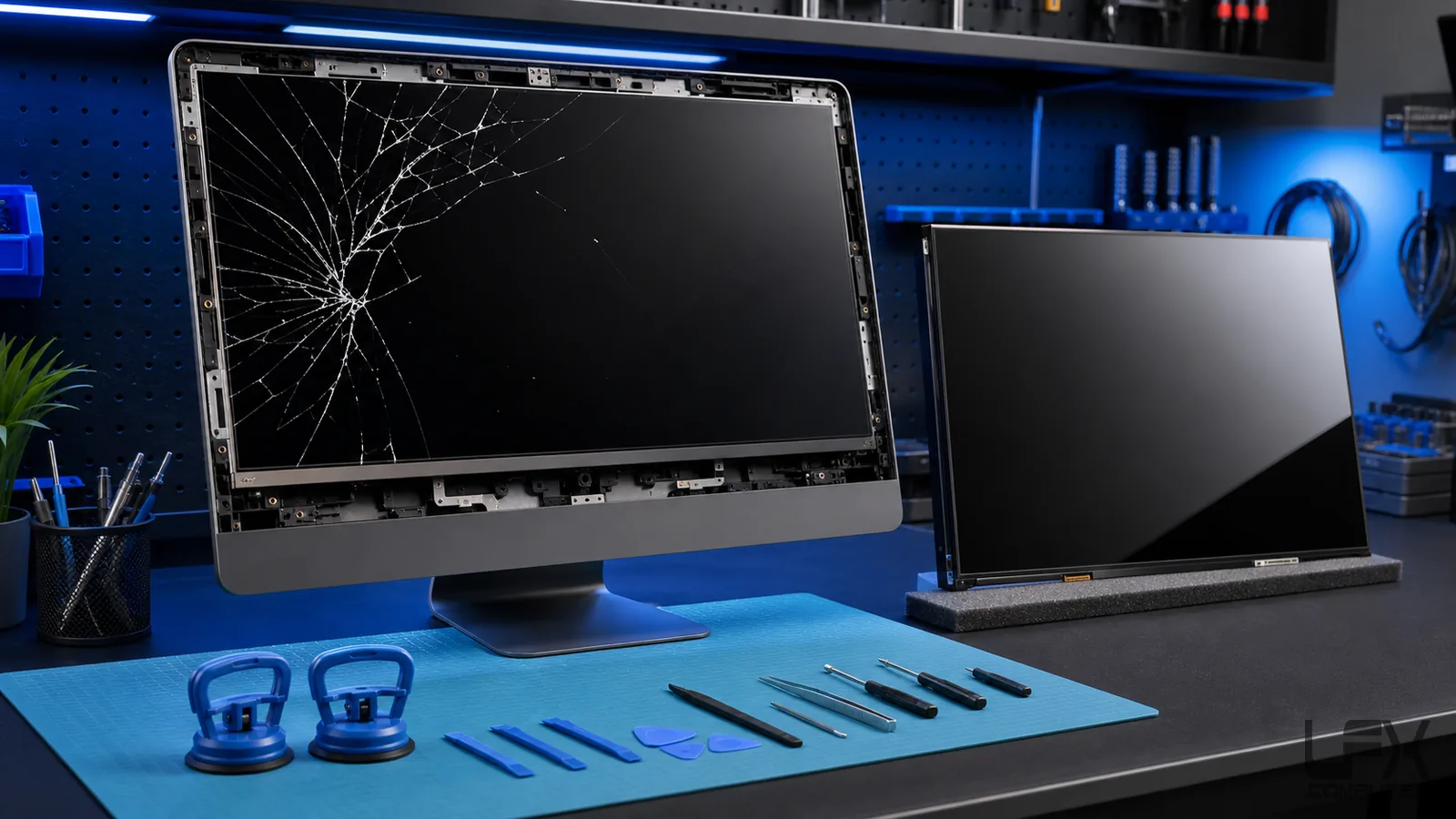
Screen replacement on a Windows all-in-one is possible only when a compatible panel can be sourced at a sensible total cost. New panels can exceed the used value of older budget machines, while a suitable tested used screen may make repair economical.
Send the full model number and clear photographs of the front, damage and rear label through the contact form. LFX can then research availability before the computer is unnecessarily transported or dismantled.
LFX assesses HP, Lenovo, Dell, Acer, ASUS, Medion and many similar Windows all-in-one computers. Send the exact model and symptoms before screen or model-specific parts are ordered.
Can you repair an all-in-one computer with no power?
Yes. Diagnosis can cover the external adapter or mains lead, DC socket, internal power supply, cabling and motherboard before parts are recommended.
Can a slow all-in-one computer be upgraded?
Often, yes. Suitable models may benefit from an SSD or memory upgrade, but access, compatibility and the condition of the existing drive must be checked first.
Do you repair blue screens and non-booting all-in-one PCs?
Yes. LFX can test Windows, storage, memory, cooling and other hardware to separate software faults from failing components.
Can you replace an all-in-one computer screen?
Sometimes. Screen availability and labour must be compared with the used value of the computer. A clear model number and photographs help establish whether replacement is economical.
How long does an all-in-one repair take?
Straightforward power, storage and software work may be completed quickly, while screen and model-specific repairs depend on diagnosis and parts availability.