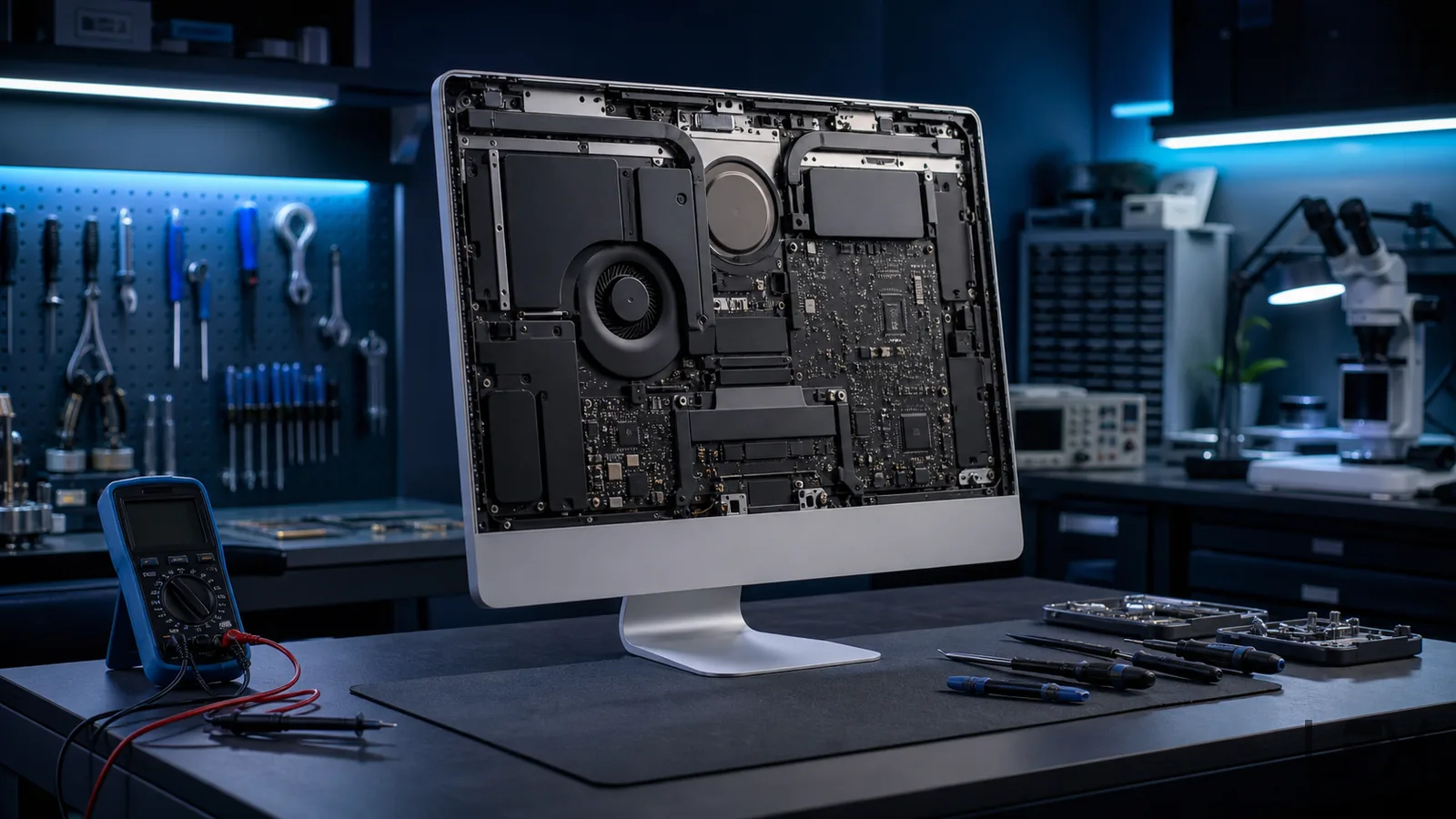
iMac repair in Brighton for no power, startup faults, slow performance, failing storage, macOS problems, noisy fans, overheating and damaged displays on suitable Intel and Apple silicon models.
iMac generations look similar from the front but differ significantly inside. The model identifier, year, screen size and processor generation determine safe access, compatible parts, macOS support and whether an upgrade is possible.
Power and startup diagnosis
No power, no display and logic-board symptoms
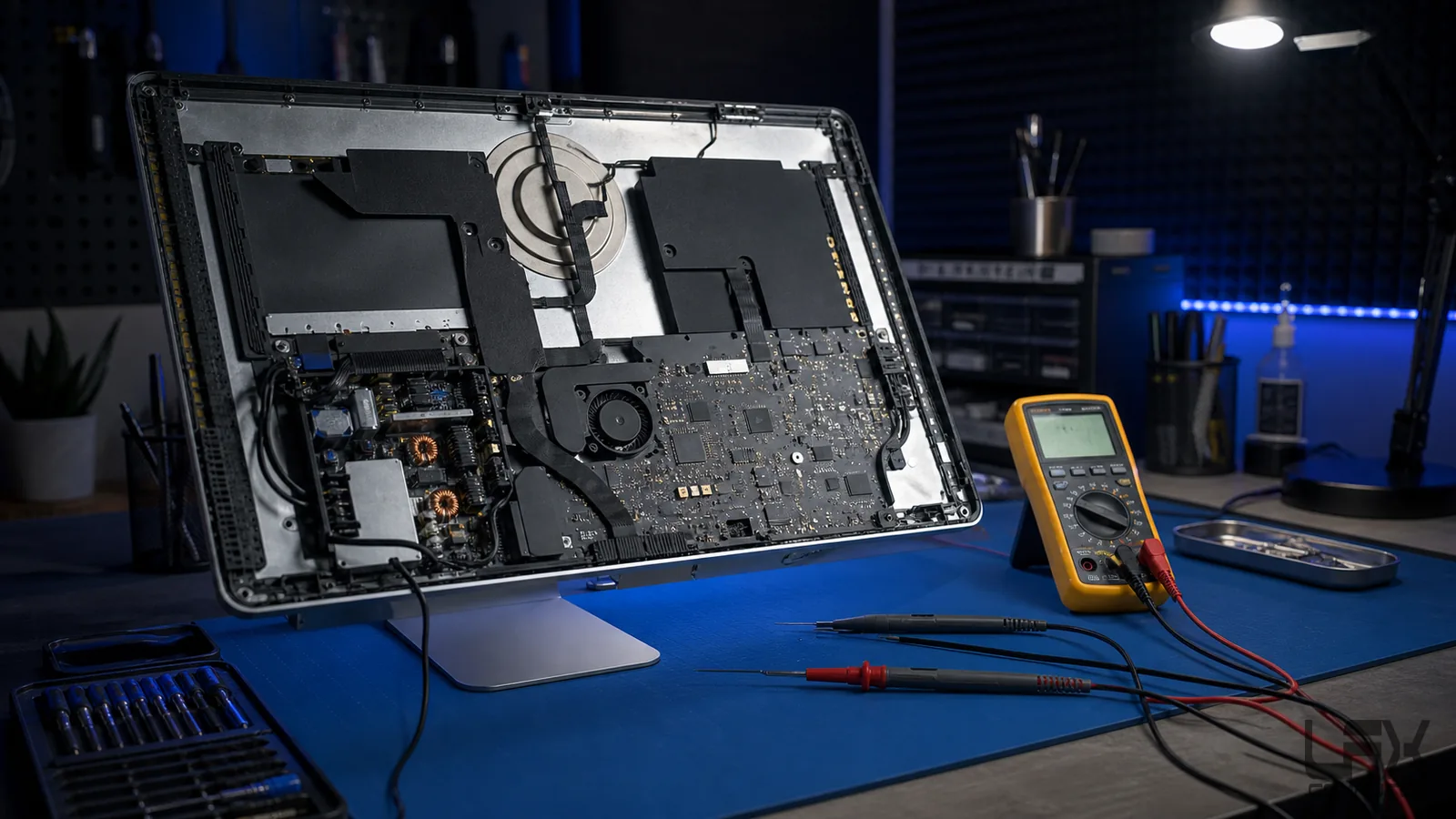
An iMac that appears dead may have a power lead, internal power supply, logic-board, storage or display fault. Startup sounds, fan activity, screen behaviour and whether external devices receive power all help narrow the diagnosis.
The exact model is confirmed before opening because internal layout, display attachment and parts differ between generations. LFX tests the relevant power and startup path before recommending component replacement.
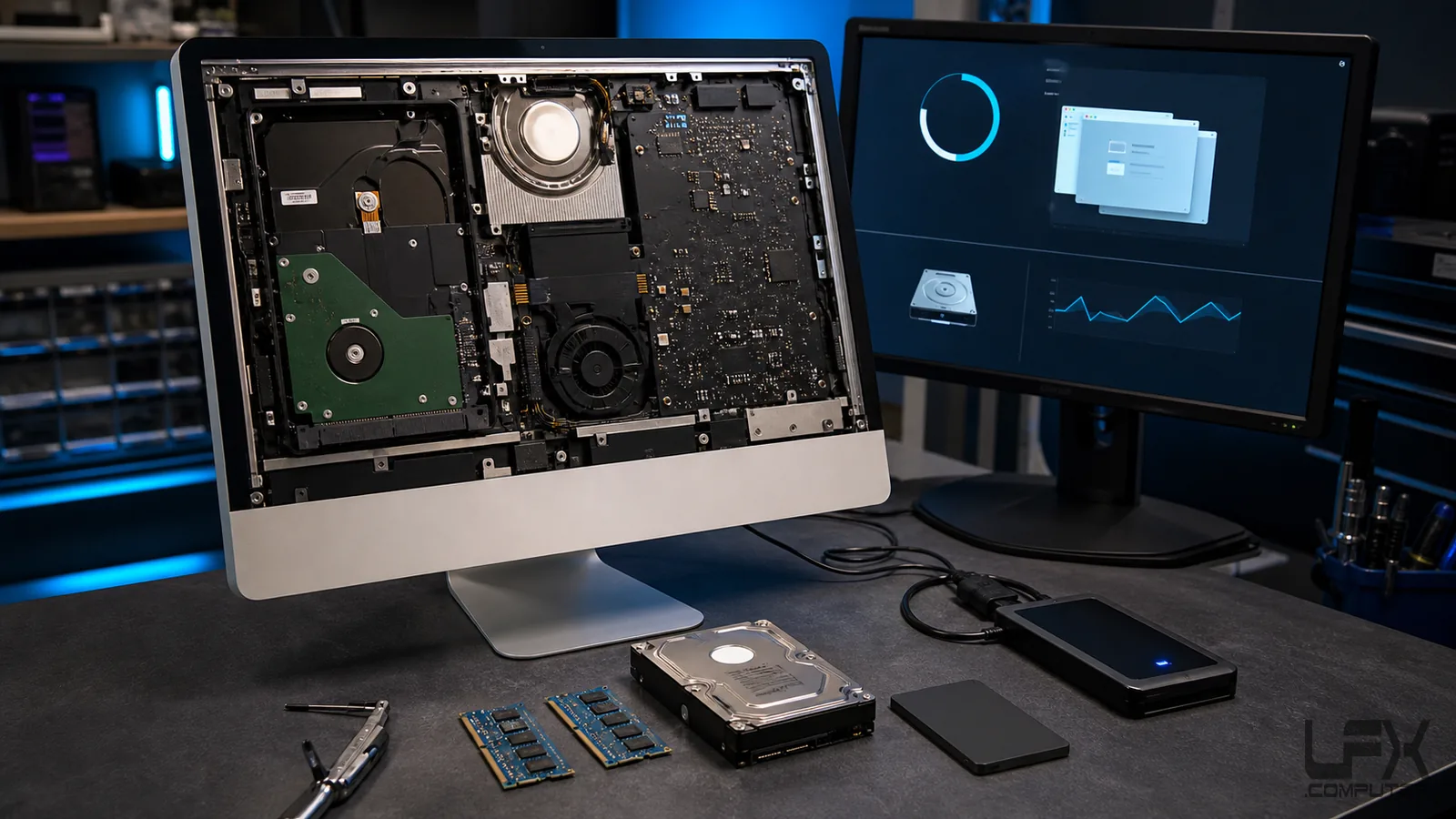
Older Intel iMacs commonly become slow because of ageing mechanical hard drives, limited memory, damaged macOS installations or excessive background software. Storage health and data risk are checked before upgrade or reinstall work.
Many Intel models can benefit from an SSD, while access method, thermal sensing and memory options vary. Apple silicon iMac storage and memory are highly integrated and are not conventional upgrades.
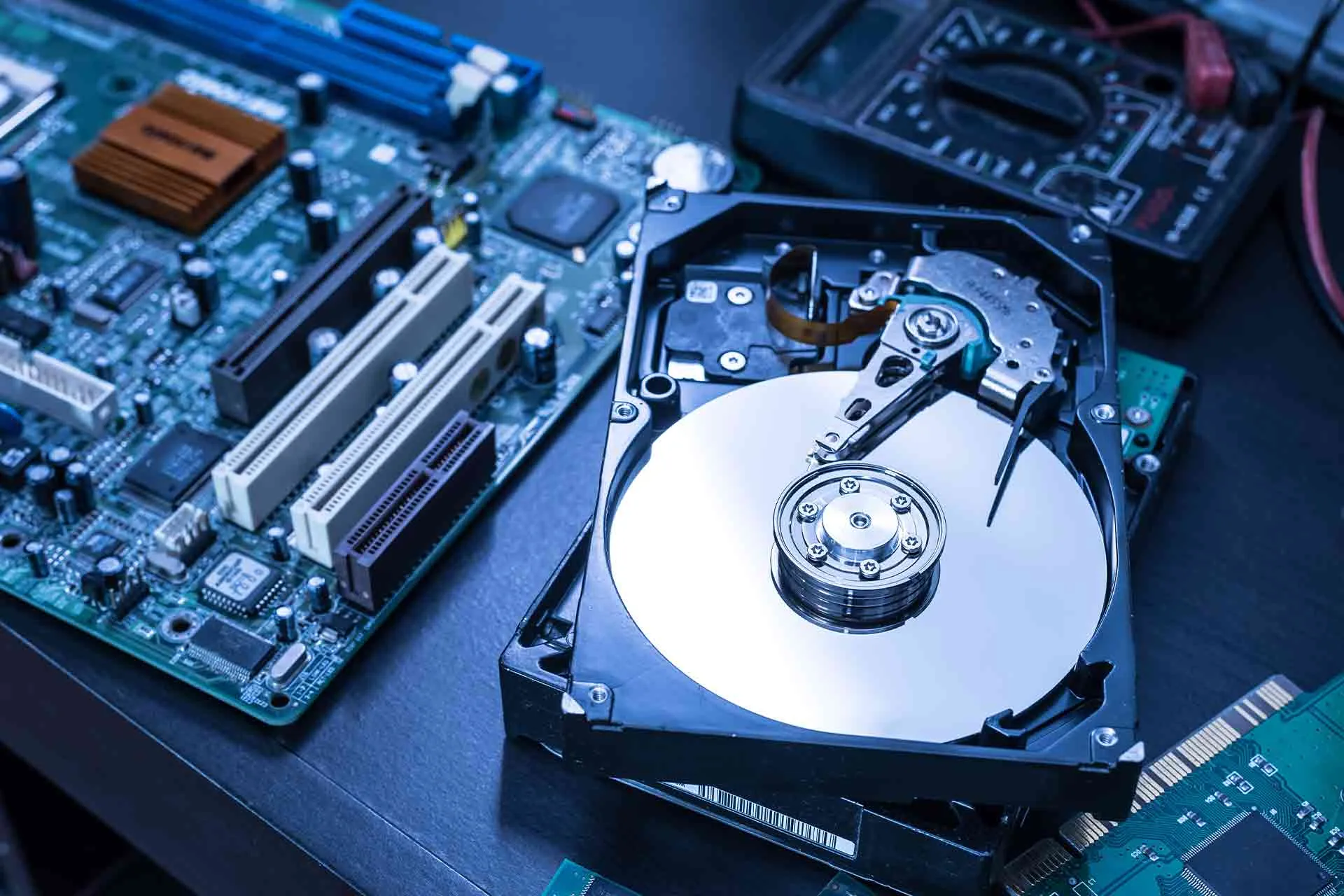
Drive-health and important-data checks
Intel iMac SSD upgrade assessment
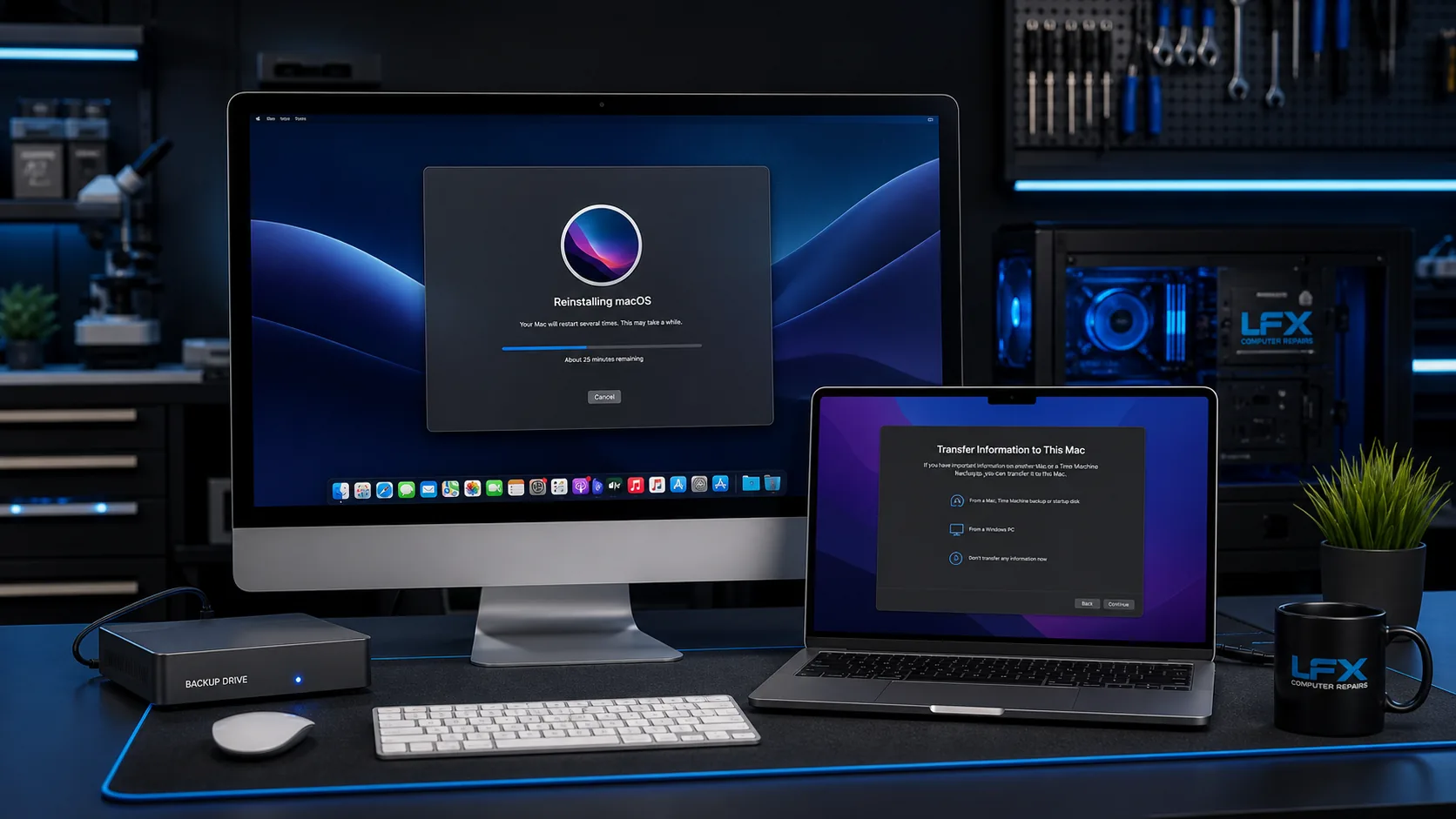
macOS repair, update or reinstall
Realistic advice for integrated Apple silicon models
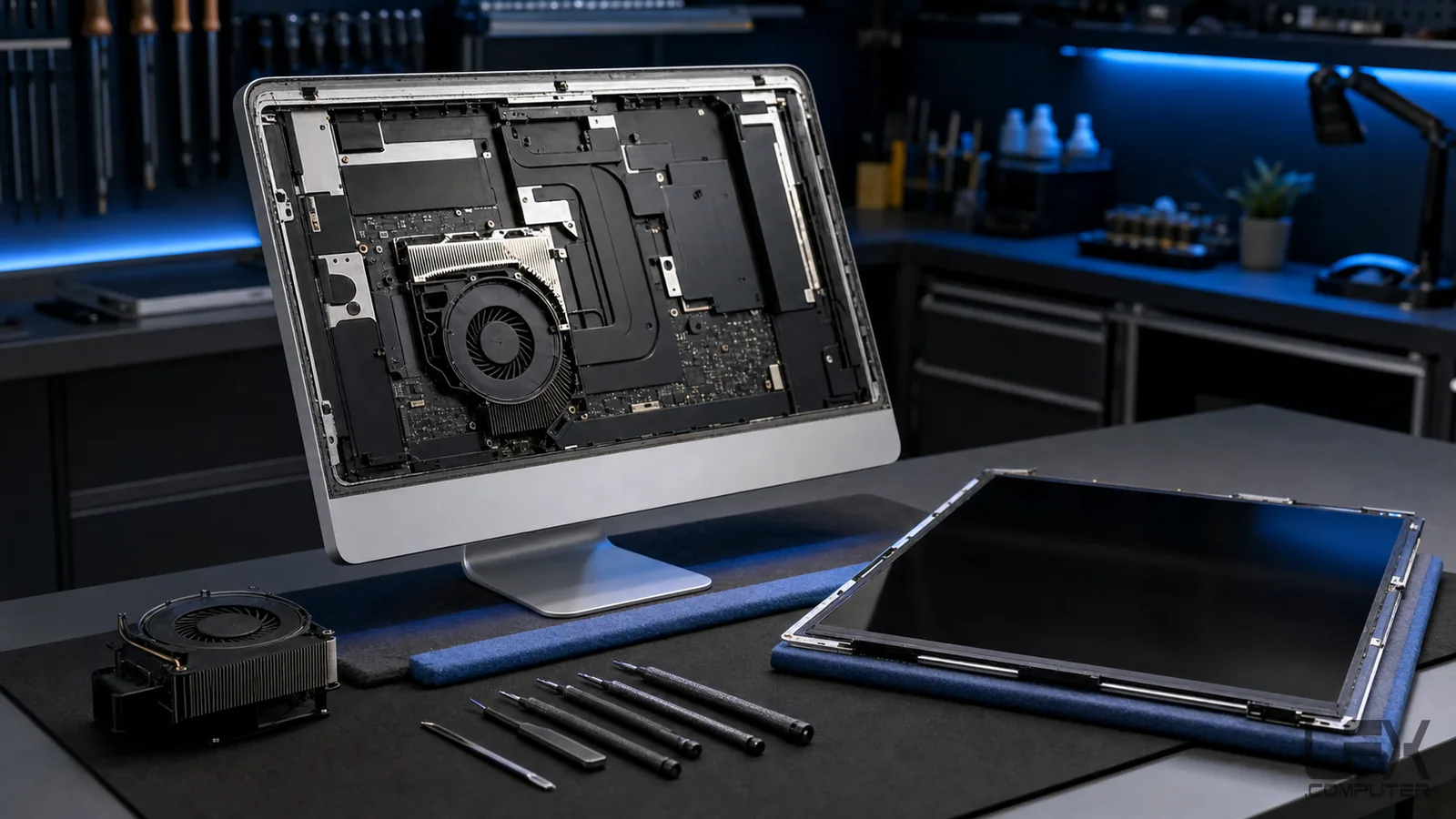
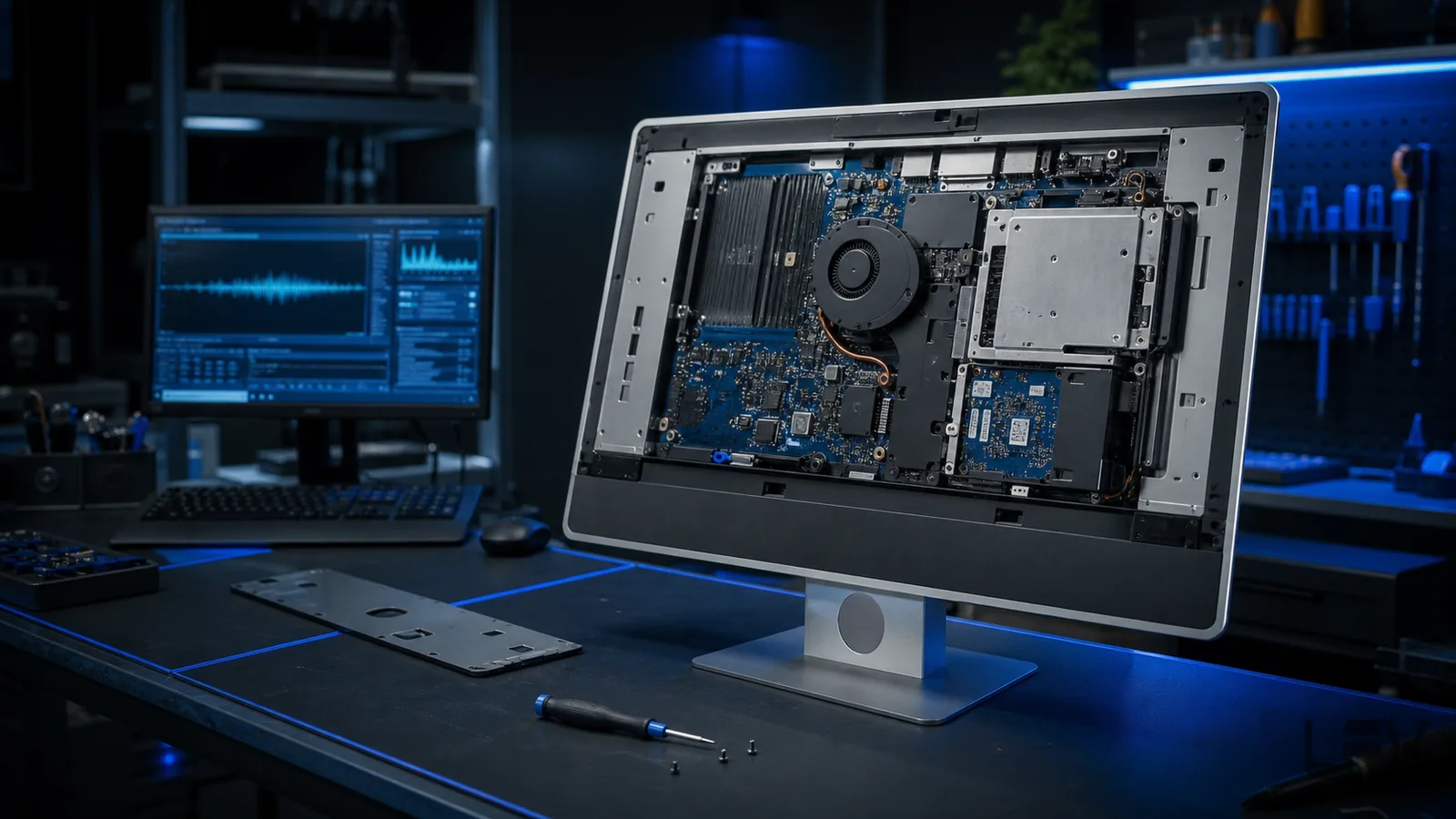
Display lines, cracked glass, backlight faults, image loss, loud fans and excessive heat require model-specific assessment. Screen construction and internal cooling differ considerably between older thick-edge and newer slim iMacs.
Screen replacement is quoted after the model and panel are identified. Some replacements may be available on a next-day basis once suitable parts are confirmed. Cooling work is based on fan, dust and temperature findings rather than routine disassembly alone.
No startup sound, fan, screen or other response when the iMac is connected to power.
Starts but shows no image
The computer may be running while the display, backlight, graphics or startup process has failed.
Folder or startup errors
Storage faults, damaged macOS files or an unavailable startup disk can prevent normal loading.
Very slow performance
Ageing hard drives, low memory, thermal load, software and storage errors can make an Intel iMac unusually slow.
Loud fan or excessive heat
Dust, sensor, storage, fan and cooling faults can trigger constant fan speed or temperature problems.
Cracked or faulty display
Cracks, lines, flicker, dim backlight and image loss require the exact model and screen type.
Model-specific advice
The exact machine changes the repair options
Older Intel iMacs
Many 2009-2011 and similar older Intel designs allow conventional storage and some memory work, though age, parts and overall condition still affect value.
Slim Intel iMacs
Later slim Intel models use adhesive-mounted displays and more integrated layouts. Storage and memory options depend on the exact year and screen size.
Apple silicon iMacs
Memory and storage are integrated and cannot be treated as ordinary upgrades. Diagnosis focuses on supported external options and the practical repair route for the failed component.
Diagnosis to completion
How an iMac repair proceeds
Identify the exact model
Record the model number or identifier and explain the full symptom, recent changes and any previous repair attempts.
Inspect the complete fault
Power, display, startup, storage, memory, software and cooling are checked as relevant to the symptoms.
Confirm the practical route
LFX explains the findings, parts availability, data considerations and whether repair or upgrade is economical.
Repair and verify
The approved work is completed and the computer is tested for startup, display, temperature and normal operation.
Yes. LFX can assess the power lead, internal power supply, logic board, storage, display and related startup symptoms before proposing repair.
Can you upgrade an old iMac with an SSD?
Many Intel iMac models can benefit from an SSD, but access method, thermal sensing, storage condition and model compatibility must be checked first.
Can you reinstall macOS on an iMac?
Yes, where the hardware and storage are healthy enough. The suitable macOS version depends on the exact iMac model and Apple support limits.
Do you replace iMac screens?
Screen replacement can be assessed using the model identifier and photographs. Availability, screen type and the value of the iMac determine whether replacement is practical.
Can you fix a noisy or overheating iMac?
Yes. Fan behaviour, dust restriction, temperature, storage load and internal cooling can be assessed before cleaning or parts are recommended.
Do you repair Apple silicon iMacs?
Apple silicon iMacs can be assessed, but memory and storage are highly integrated and are not conventional upgrades. The available repair route depends on the diagnosed component and model.