Mac OS Reinstall Brighton | LFX Computer Repairs Brighton

Clean macOS reinstall service

Mac OS Reinstall Brighton

Mac OS reinstall service in Brighton for iMac, MacBook and Mac mini computers, with backup advice, macOS setup, updates, Apple ID guidance and checks before any erase or rebuild.

Mac OS Reinstall Brighton
Mac OS Reinstall Brighton support session
Backup advice firstmacOS setup helpApple ID and updates checked

Mac OS reinstall service

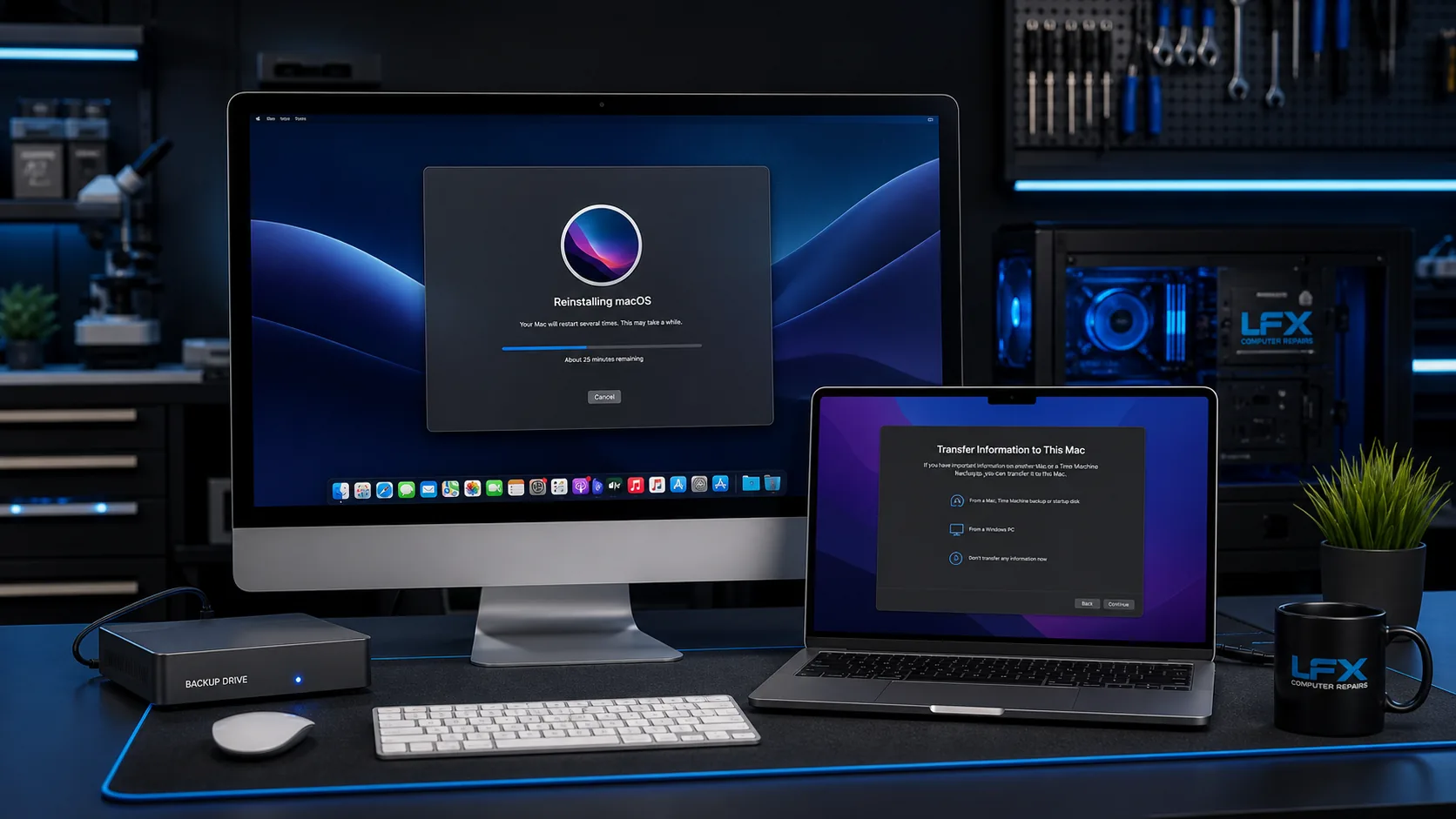
A clean macOS reinstall can help when an iMac, MacBook or Mac mini has a badly damaged system, failed updates, repeated startup problems, account issues or a slow overloaded installation. LFX checks the machine first so data, storage health and the right macOS version are considered before anything is erased.

Backup and data checks come first

Mac reinstalls should start with the question of what needs saving. Documents, Desktop, Photos libraries, iCloud status, browser data and email setup may all matter. If the storage device is failing, data recovery advice comes before reinstalling macOS.

macOS setup, updates and Apple ID guidance

After reinstalling macOS, the computer may need updates, security settings, browser setup, printer setup, email accounts, iCloud checks and app reinstall guidance. Some apps need Apple ID access, App Store history or separate licence details.

When reinstalling is not the right first step

If the Mac shows signs of failing storage, liquid damage, overheating, random power loss, display faults or board-level symptoms, hardware diagnosis should happen first. Reinstalling macOS will not fix a physical fault and can make data recovery harder on a failing drive.

Contact LFX
Questions

Mac OS Reinstall Brighton FAQs

Will reinstalling macOS delete my files?

It can, depending on the reinstall route. LFX checks backup options and what needs saving before any erase, rebuild or upgrade work.

Can you reinstall macOS on an old iMac or MacBook?

Often, yes, but the best macOS version depends on the model, storage health and Apple support limits. LFX can advise whether reinstall, upgrade or replacement is sensible.

Do I need my Apple ID password?

You may need Apple ID access for iCloud, App Store apps, Find My Mac, activation lock or reinstalling purchased software. Bring the details if you have them.

Will my Mac apps still be installed?

A clean reinstall removes installed apps. App Store purchases can usually be downloaded again, but other software may need original installers, accounts or licence keys.