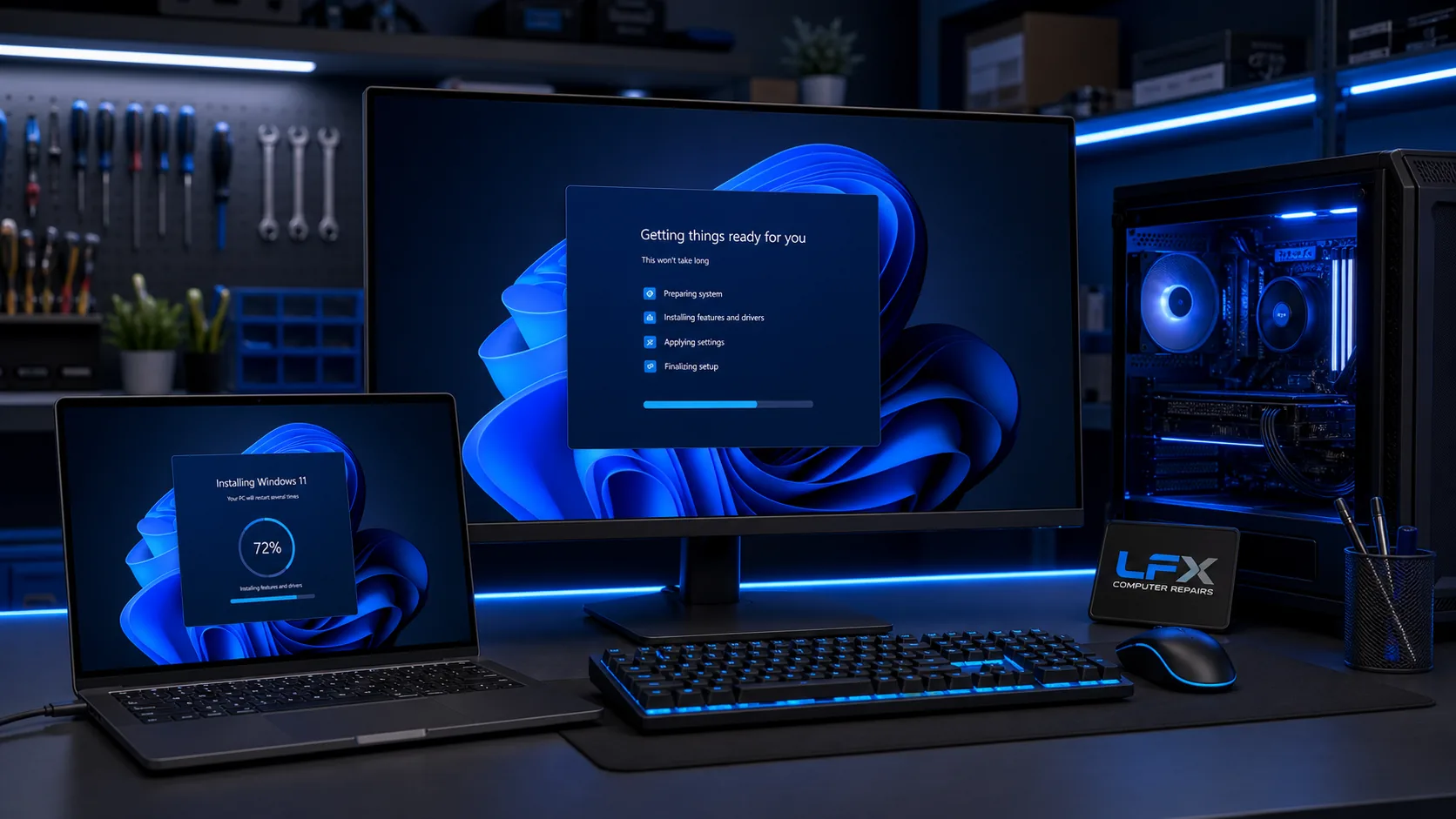
Windows reinstall service
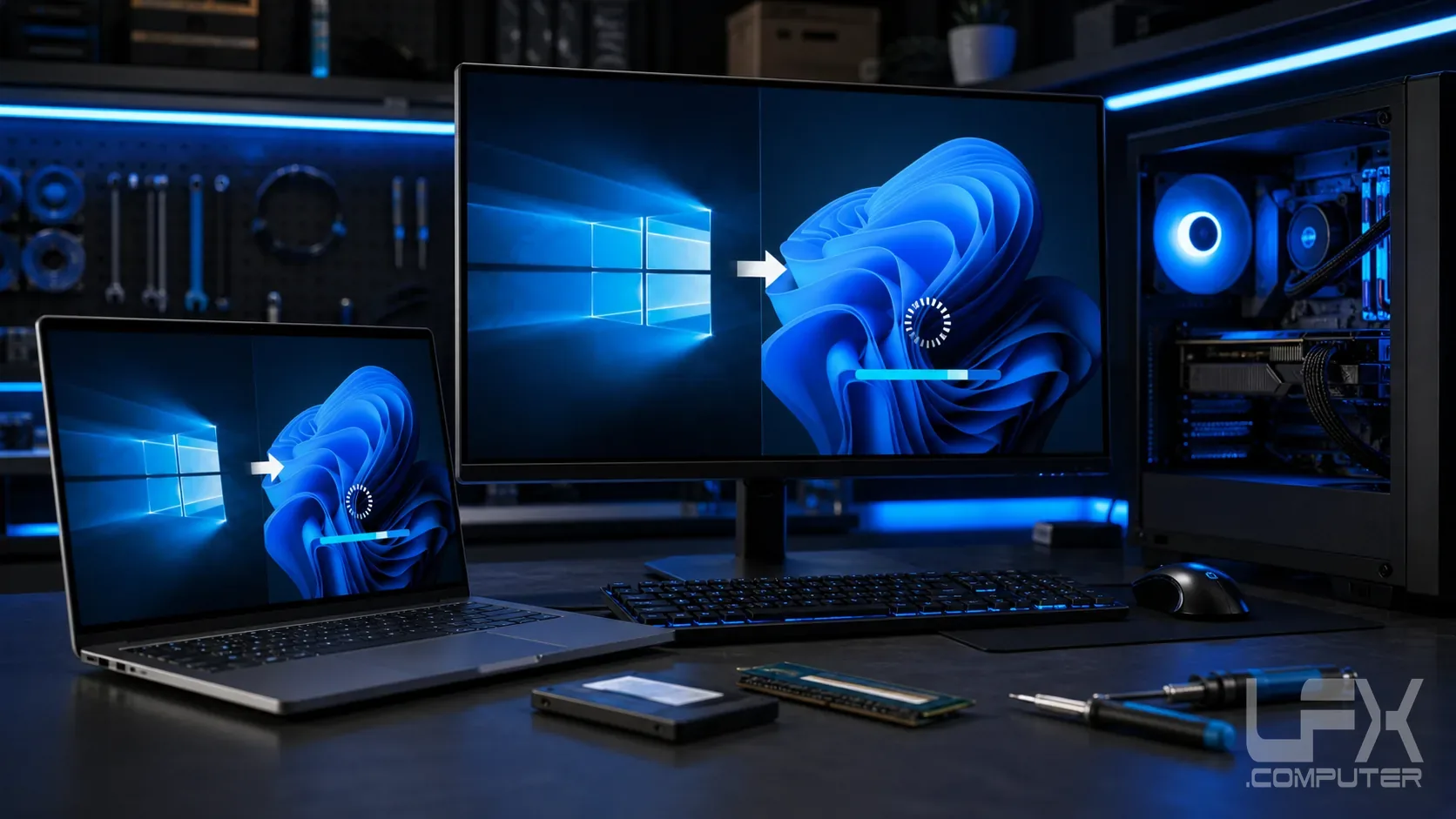
A clean Windows reinstall can help when a computer is badly corrupted, stuck in repair loops, overloaded with broken software, or too unreliable to fix sensibly in place. LFX checks the situation first so important files, licence status and the best reinstall route are understood before wiping anything.
Backup first, then rebuild properly
Before reinstalling Windows, personal files such as Desktop, Documents, Downloads, Pictures and important browser or email data should be considered. After the clean install, Windows updates, device drivers, security settings and essential software are checked so the computer is ready to use again.
What a reinstall does and does not keep
A clean reinstall removes installed programs, so software such as Microsoft Office, Adobe apps, accounting packages, games and specialist tools may need original accounts, installers or licence keys. Your Windows licence is often stored against the hardware on modern PCs, but this is checked before work starts.
Good for slow, broken or infected Windows installs
This service is suitable for Windows corruption, failed updates, startup loops, severe slowdown, unwanted software, browser hijacks and machines that need a fresh start. If symptoms suggest a failing hard drive, SSD, memory or overheating issue, hardware diagnosis comes before reinstalling.
Ask about Windows reinstall